














Not sure which WordPress membership plugin is actually right for your website?
At first, most plugins look similar. They let you charge members, lock content, and create access levels. But once you add more members, courses, payment plans, communities, or custom rules, the differences start to matter.
That is why this guide looks at the best WordPress membership plugins based on real use cases, not just feature lists. We compare options for online courses, paid communities, ecommerce memberships, gated content, and member directories. We also look at pricing, payment options, integrations, and how easy each plugin is to manage as your site grows.
TeknoFlair also helps you find the plugin that fits the way your membership business actually works. Read on!
Best WordPress Membership Plugins at a Glance
Each plugin has a different strength. The best choice depends on what you want to sell and how members will use your website.
| Plugin | Best For | Free Option | Main Strength |
| MemberPress | All-in-one membership sites | No | Memberships, payments, and content access |
| Paid Memberships Pro | Flexible membership setups | Yes | Custom membership rules |
| LearnDash | Online courses | No | Courses and learner management |
| WooCommerce Memberships | Ecommerce stores | No | Product-based memberships |
| BuddyBoss | Paid communities | Yes | Member interaction |
| Ultimate Member | Profiles and directories | Yes | Member profiles |
| Smart Creator Press | Creators selling digital products and memberships | Yes | Courses, memberships, checkout, and funnels in one setup |
| AccessAlly | Advanced course and membership businesses | No | Courses, payments, automation, and CRM connections |
Use this table as a starting point. Then look at the features you actually need before choosing a plugin.
How We Chose the Best WordPress Membership Plugins
A long feature list does not tell you if a plugin will work well for your business. We looked at the areas that usually matter after a membership website starts growing.
Content access: Can you control which members see posts, pages, courses, files, products, or entire sections of the site?
Payments: Does the plugin support recurring payments, one-time payments, free trials, coupons, and different membership levels?
Integrations: Can it connect with your email platform, CRM, WooCommerce setup, LMS, and automation tools?
Member experience: Is signup easy? Can members manage their account without contacting support every time they need to update something?
Scalability: Can the setup still work when you move from a small member base to thousands of active users?
Cost: The plugin price is only one part of the cost. Add-ons, payment tools, CRM software, development, and maintenance can change the final figure.
These factors give a better picture of how each WordPress membership plugin works in a real business. Now, let’s compare the best WordPress membership plugins and see where each one fits best.
1. MemberPress
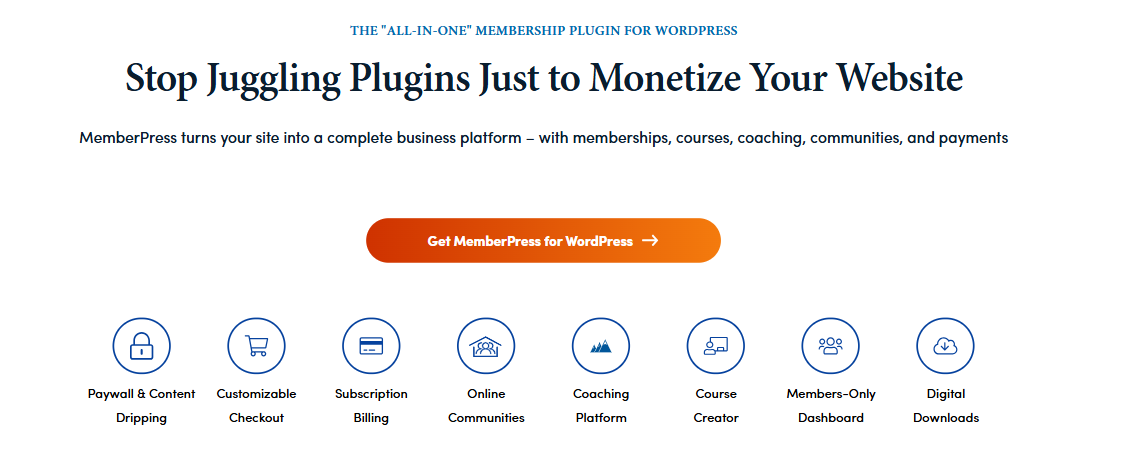
If you want most of your membership setup under one roof, MemberPress is worth a look. It handles payments, private content, subscriptions, and basic courses without making you piece together too many plugins.
Key Features
- Membership Levels: Set up basic, premium, or custom plans with different prices and access.
- One-Time and Recurring Payments: Charge once, monthly, or yearly based on how you want to sell access.
- Control Content Access: Decide which posts, pages, courses, or resources each plan can see. You can also release content over time.
- Built-In Course Tools: Sell basic online courses without adding a separate LMS.
- Coupons and Subscriptions: Run offers, manage renewals, and keep subscriptions organised.
- Payments and Email: Connect the payment gateways and email tools you already use.
Best For
It fits course creators, coaches, paid content sites, and growing membership businesses that want one main tool instead of a long plugin stack.
Pricing
It currently offers:
- Launch: $199.50/year
- Growth: $349.50/year
- Scale: $499.50/year
The Growth and Scale plans also charge a 0% MemberPress transaction fee on successful payments. If you later need custom access rules or dashboards, Custom MemberPress development can help you extend the standard setup.
2. Paid Memberships Pro
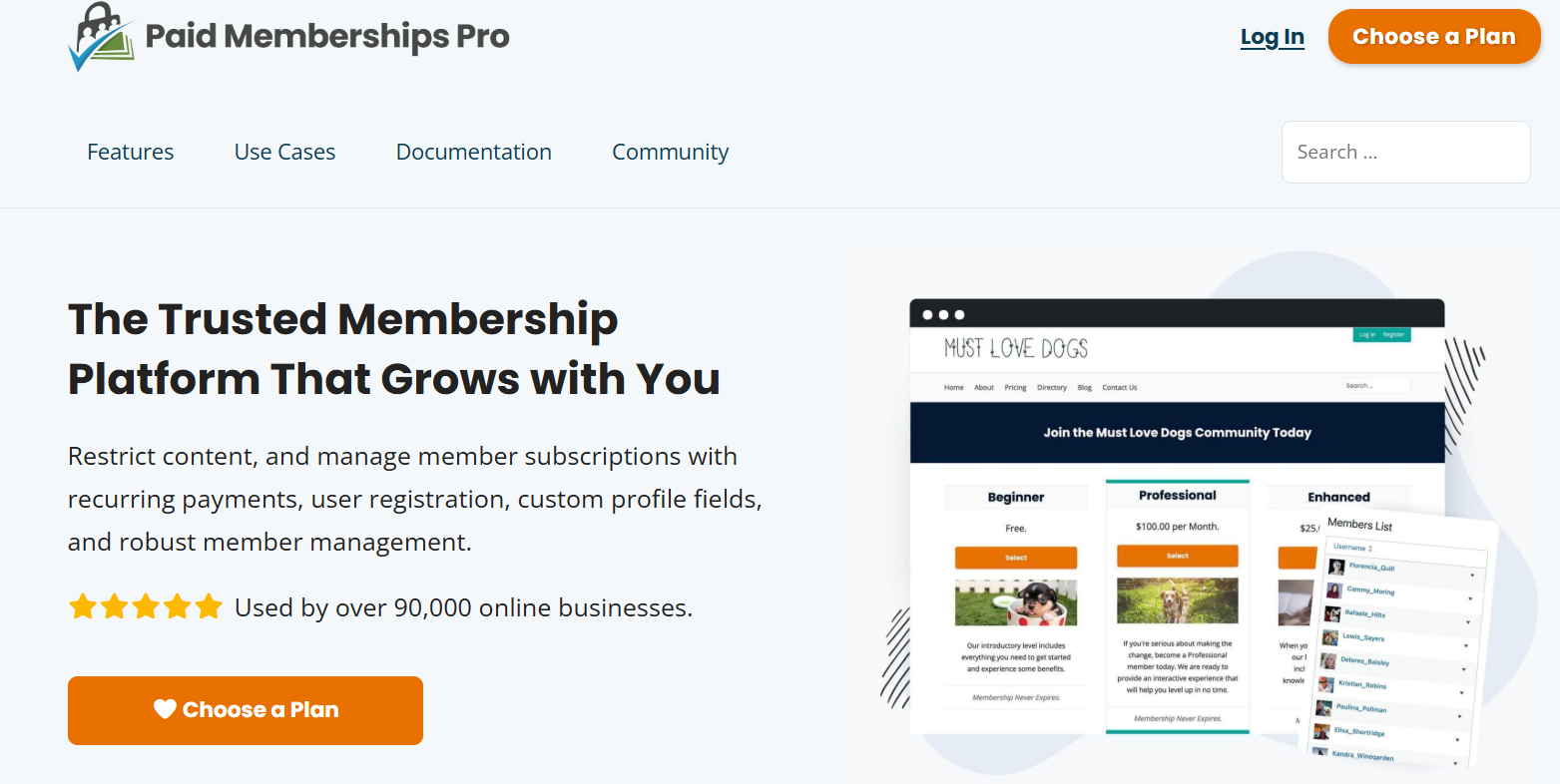
If your membership model does not fit neatly into three basic plans, Paid Memberships Pro gives you more room to work.
You can set up different prices, member types, and access rules without boxing yourself into a fixed structure. For more complex membership rules, Paid Memberships Pro custom development can help connect pricing, access, and other business tools.
Key Features
- Flexible Membership Levels: Create separate plans for individuals, companies, students, or other member types.
- Flexible Payments: Charge once or collect monthly and yearly payments.
- Content Access: Decide what each membership level can see.
- Discount Codes: Run offers for new members, renewals, or selected groups.
- Multiple Memberships: Let one user hold more than one membership when needed.
- Extra Add-Ons: Add payment plans and more advanced rules as your setup grows.
Best For
It works well for associations, professional groups, custom membership sites, and businesses that need more control over pricing and access.
Pricing
It gives you both self-hosted and hosted options:
- Free: $0 for the open-source PMPro platform
- Standard: $49/month for 1 site with premium add-ons and support
- Max: $99/month for hosted sites with up to 1,000 orders per month
- Max 2x: $299/month for hosted sites with 1,000 to 5,000 orders per month
This gives you a low-cost starting point, with paid plans available as your membership site grows.
3. LearnDash
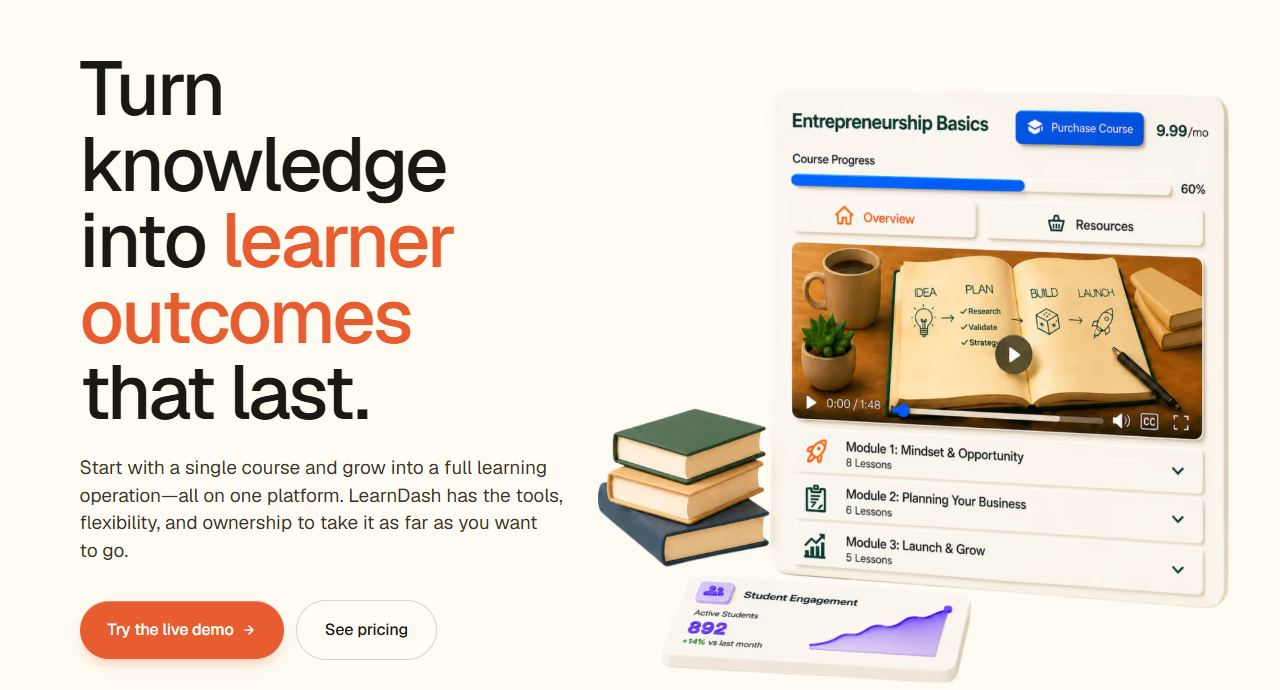
If you are selling learning rather than simply locking content, LearnDash makes more sense.
It helps you take learners from their first lesson through quizzes, progress tracking, and certification. That makes it a better fit for businesses where training is the main product.
Key Features
- Course Builder: Create courses containing lessons, topics, quizzes and assignments.
- Drip Lessons: Allow content to slowly drop in over time, rather than all at once.
- Quizzes and Certificates: Assess students and provide them with a certificate upon completion of learning.
- Progress Tracking: Show learners what they have completed and what comes next.
- Group Learning: Organize learners into groups, and allow leaders to assess their progress.
- Flexible Access: Provide free courses, paid one-time or paid subscriptions.
- Memberships and Subscriptions: Give members access to selected courses or course groups and charge for ongoing access.
Best For
LearnDash suits course creators, training companies, certification programmes, and professional learning sites.
Pricing
It offers three yearly plans based on the type of course business:
- Essentials: $259/year, built for solo course creators
- Pro: $399/year, with advanced reporting, groups, cohorts, and more
- Elite: $599/year, designed for institutions and larger learning teams
All plans include the main course-building tools, while Pro and Elite add more features for growing teams and larger training programmes.
If you need more than the default course setup, custom LearnDash development can add reporting, automation, or custom learner dashboards.
4. WooCommerce Memberships
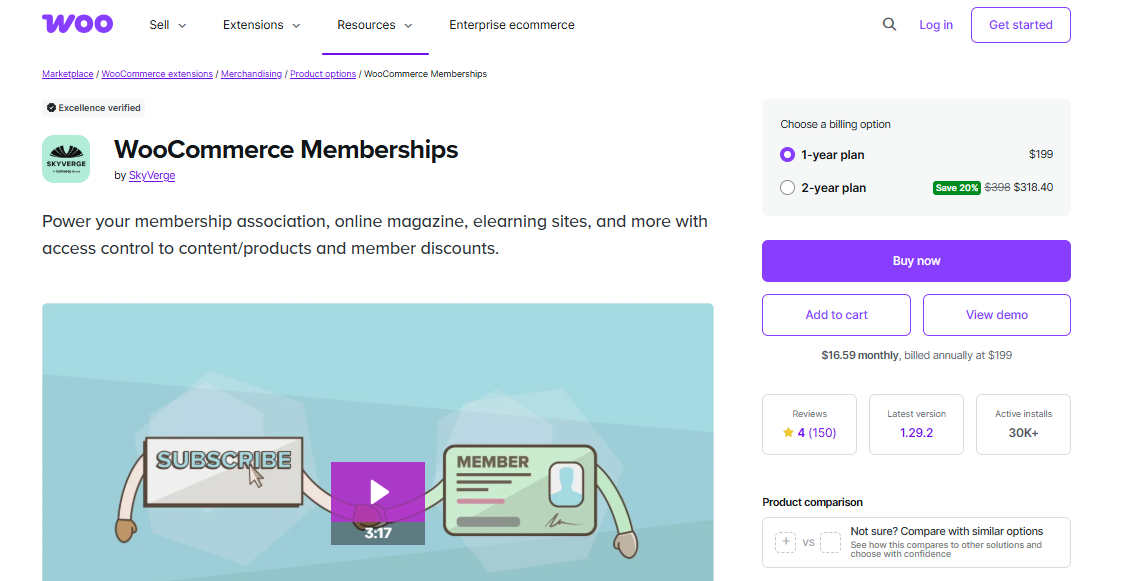
Already running your store on WooCommerce? Then you do not need to reinvent the wheel.
WooCommerce Memberships lets you add member pricing, private products, and access rules around the store you already have.
Key Features
- Member-Only Products: Make products exclusive to members or only for sale to members.
- Member Discounts: Provide members with discounts or special offers.
- Private Content: Hide specific posts, pages or products.
- Membership from Purchases: Share membership with customers after the purchase of a specific product.
- Flexible Access Periods: Give access for a specific amount of time or make it indefinite.
- Built Around WooCommerce: Ensure memberships are tied to the products, orders and customer accounts.
Best For
WooCommerce Memberships fits ecommerce stores that want VIP access, member discounts, private products, or other benefits tied to purchases.
Pricing
It offers:
- 1 year: $199
- 2 years: $318.40
If you want recurring billing, you will usually also need WooCommerce Subscriptions, which currently costs $279 per year. Using both can bring the yearly software cost to around $478 before other extensions.
If you need custom pricing or member-only products, WooCommerce membership development can extend the standard setup.
5. BuddyBoss: Best for Paid Communities

BuddyBoss is all about social. It provides member profiles, groups, feeds and talking ability features to help members keep the community alive.
For larger communities, BuddyBoss custom development might be necessary for creating more personalized member experiences, integrations, and community workflows on BuddyBoss.
Key Features
- Member Profiles: Allow members to fill in their information and edit their profiles.
- Groups: Establish spaces for various topics, courses or levels of members.
- Activity Feeds: Allow users to post and comment, and participate in discussions.
- Direct Messages: Communicate directly with other members.
- Course Connections: Connect BuddyBoss to platforms like LearnDash.
- Mobile-Friendly Access: Make it easier for members to stay active from various devices.
Best For
This is a good fit for coaching communities, mastermind groups, professional networks, alumni sites, and course communities.
Pricing
BuddyBoss offers three yearly plans:
- Start: $99/year
- Launch: $199/year
- Scale: $349/year
Start covers the core community features. Launch adds LMS integrations, more engagement tools, and design options, while Scale adds more growth-focused features for larger communities.
6. Ultimate Member
Ultimate Member takes a different route from most plugins on this list. It focuses more on people than payments. If users need profiles, directories, or ways to find other members, this plugin is much closer to what you need.
Key Features
- Member Profiles: Let users create and manage their own profiles.
- Member Directories: Build searchable lists so users can find other members.
- Custom Signup Forms: Ask for the information you actually need when someone joins.
- User Roles: Create different member types and control their access.
- Private Content: Keep selected content for logged-in users or certain groups.
- Community Add-Ons: Add messages, groups, followers, reviews, and activity features when needed.
Best For
Ultimate Member works well for professional directories, associations, alumni websites, member networks, and community sites.
Pricing
The core plugin is free and includes profiles, login and registration, directories, content restriction, and user accounts.
Paid plans currently include:
- Standard: $276/year for 1 site
- Pro: $348/year for 2 sites
Standard includes 21 extensions. Pro adds tools such as Stripe and Zapier integration, plus the Ultimate Member Theme. You can also buy individual extensions if you only need a few extra features.
7. Smart Creator Press
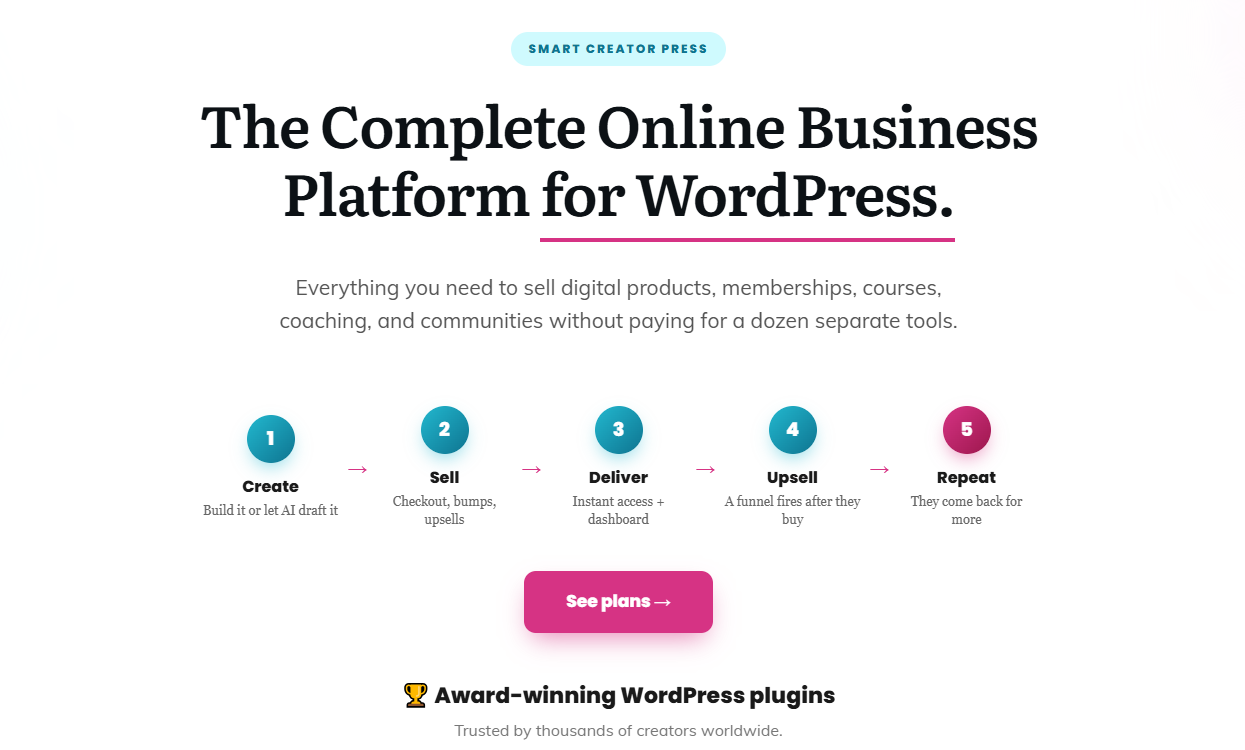
If you sell memberships along with courses, downloads, or coaching, Smart Creator Press can keep more of that setup in WordPress. It combines memberships with course tools, checkout, subscriptions, funnels, and digital product sales. This can reduce the need to connect several separate plugins.
Key Features
- Membership Levels: Create free, paid, and premium tiers with monthly or yearly billing.
- Course Tools: Build lessons, quizzes, drip content, certificates, and learning paths.
- Flexible Payments: Sell with one-time payments, subscriptions, or instalment plans.
- Drip Content: Release lessons or membership content based on dates or member progress.
- Built-In Sales Tools: Add checkout pages, coupons, order bumps, upsells, and funnels.
- Digital Products: Sell downloads, templates, coaching, courses, and bundles from the same setup.
Best For
Smart Creator Press is useful for creators who sell different digital offers and want to manage more of them from one WordPress setup.
Pricing
Yearly Elite plans currently start at:
- 1 Site: $229/year
- 3 Sites: $269/year
- 5 Sites: $299/year
Monthly plans start at $20/month for one site. Elite licences also include Smart Creator Press’s other Smart plugins and add-ons.
8. AccessAlly
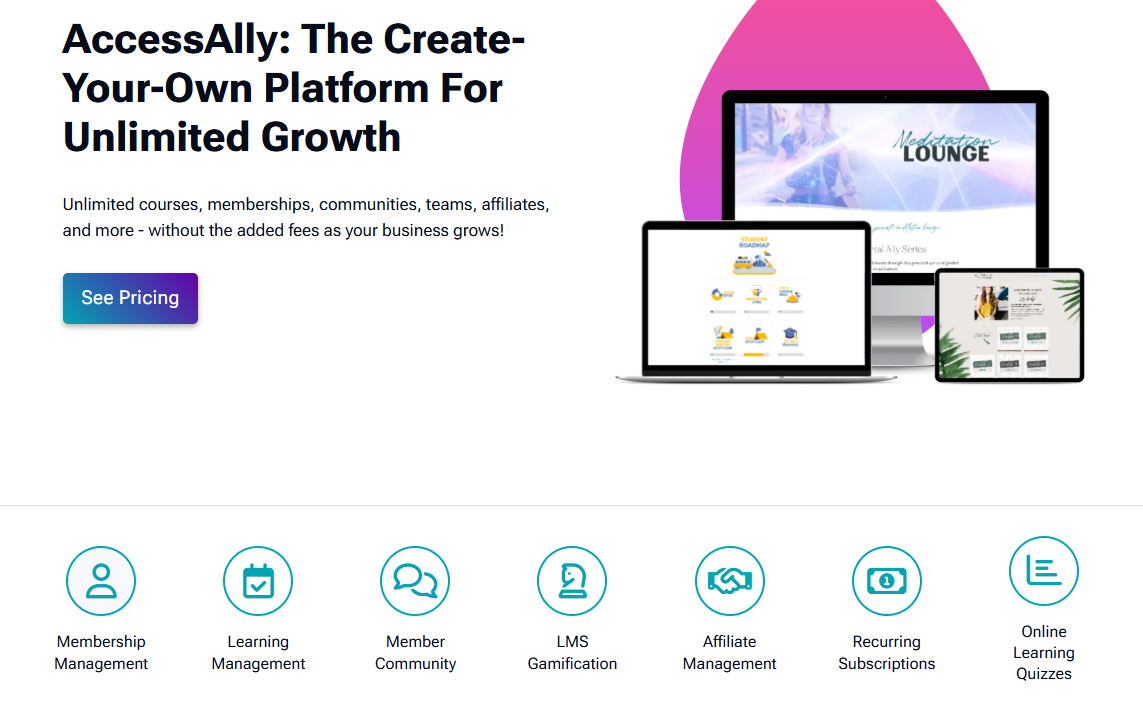
Running courses, memberships, and subscriptions together can get messy when too many tools are involved. AccessAlly brings these parts into one WordPress plugin.
You can manage membership access, payments, courses, subscriptions, and CRM connections from the same setup.
Key Features
- Flexible Membership: Develop free, paid, evergreen, or cohort memberships.
- Recurring Payments: Arrange subscriptions, payment plans, trials, upgrades and downgrades.
- Access Content: Control who can see and release content at their own time.
- Course Tools: Create courses that include quizzes, course tracking, certificates, and assignments.
- CRM Connections: Integrate member activities with ActiveCampaign, ConvertKit, Keap and Ontraport.
- Sales Tools: One-click upsells, order bumps, order forms, without any additional sales system.
Best For
AccessAlly makes more sense for established course creators, coaches, and membership businesses that need courses, payments, automation, and member management to work together.
Pricing
Monthly pricing currently starts at:
- Essentials: $2,999/year
- Pro: $4,499/year
- Community: $5,999/year
All plans include unlimited courses and members with no transaction fees. Pro adds the built-in LMS, while Community adds community features.
Do Not Choose a Membership Plugin Based Only on Price
The cheapest plugin is not always the lowest-cost option. A low-cost plan may look attractive at first, but the total cost can grow when you add email marketing, payment tools, CRM software, course features, community tools, or custom development.
Before choosing a plugin, look at the full setup.
Think about:
- The main plugin licence
- Paid extensions
- Payment processing fees
- Email and CRM tools
- Hosting
- Development work
- Ongoing maintenance
- Future migration costs
For instance, a less expensive plugin could need multiple paid add-ons to match some of the features included with another platform.
A more favorable option is to select the configuration that is optimal for the business over the next couple of years, rather than the one that is the least expensive to begin.
When a Standard Membership Plugin Is Not Enough
Most membership plugins work well for standard setups. The problems usually start when the business needs workflows that do not match the default options.
You may need more than a standard plugin if your site requires:
- Custom member dashboards
- Company or team accounts
- Single sign-on
- Advanced CRM connections
- Custom reports
- Different access rules for different users
- Automated onboarding
- Course and membership connections
- Complex pricing
- Custom checkout flows
At this stage, adding more plugins is not always the best answer. Too many separate tools can make the website harder to manage and create conflicts between payments, access rules, and user data.
A custom setup can connect the important parts more cleanly.
Want to Make Your Chosen Plugin Fit Your Business?
Found the right plugin, but need more control over dashboards, access, or integrations? TeknoFlair can customise WordPress membership and LearnDash websites when standard plugin features do not match the way your business works.
You can build custom dashboards, automate member access, connect your CRM or payment tools, and keep the full experience inside one connected WordPress setup.
This can save admin time and make the platform easier to manage as the member base grows. Talk to the TeknoFlair team to build a membership setup that works the way your business needs it to.
FAQs
What is the best WordPress membership plugin?
MemberPress is a good all-round option. But the best choice depends on whether you need courses, communities, ecommerce, or simple paid content.
Is there a free membership plugin for WordPress?
Yes. Paid Memberships Pro and Ultimate Member both offer free options with useful membership features.
Can I create a subscription website with WordPress?
Yes. Use a membership plugin along with Stripe, PayPal, WooCommerce or other payment solutions to gather regular payments.
What is the best WordPress membership plugin for WooCommerce?
If your membership is tied to products or discounts, or you already use WooCommerce, then WooCommerce Memberships is an obvious choice.
Can I switch WordPress membership plugins later?
Yes, but you may need to move member data, membership levels, access rules, and active subscriptions. Plan the move carefully.
Which WordPress membership plugin is the easiest to use for a beginner?
It will depend on what you want to create. If you need something simple, make sure the plugin you use allows for easy plan creation, payment setup and content restriction with minimal extra settings.
