















Found plenty of WordPress community plugins, but still can’t tell which one actually fits your community? That is where things get tricky.
One plugin gives you member profiles and groups. Another focuses on forums. Some are built for paid communities, while others work better when courses sit at the heart of your business.
Choosing the wrong one may not hurt on day one. The problem usually shows up later, when you need payments, private groups, better moderation, or an LMS connection and your current setup cannot handle it easily.
And WordPress gives you plenty of room to build. It currently powers around 41.2% of all websites and holds about 59.1% of the known CMS market.
So, which WordPress community plugins are actually worth considering in 2026?
We compared 8 options based on their community features, pricing, free versions, integrations, and the type of community they fit best.
Best WordPress Community Plugins at a Glance
Don’t want to go through every feature yet? Start here.
| Plugin | Best For | Free Option | Main Strength |
| BuddyBoss | Full community websites | Yes | Complete social community setup |
| FluentCommunity | Modern online communities | Yes | Community and automation |
| BuddyPress | Free community sites | Yes | Flexible open-source foundation |
| PeepSo | Social network-style communities | Yes | Social feeds and interaction |
| AccessAlly | Courses + communities | No | Learning, membership, and community |
| wpForo | Discussion communities | Yes | Forums and Q&A |
| Ultimate Member | Profiles and directories | Yes | Member profiles |
| bbPress | Simple forums | Yes | Lightweight discussions |
Here’s the catch. The plugin with the longest feature list is not always the best choice.
If your members mainly ask questions, a forum plugin may be enough. If you sell coaching or courses, you may need community features that work with your LMS and membership setup.
So before comparing plugins, get clear on what your members actually need to do.
What Should You Look for in a WordPress Community Plugin?
A good WordPress community plugin should make life easier for both you and your members.
Start with these features:
- Member Profiles: Let people create profiles and show information about themselves.
- Groups or Spaces: Give members smaller places to connect around a topic, course, or interest.
- Activity Feeds: Keep conversations and updates easy to find.
- Private Messaging: Let members talk directly without leaving your site.
- Forums: Give longer discussions and questions a proper place.
- Moderation Tools: Help admins control spam, unwanted posts, and member behaviour.
- Membership Support: Useful when you want to charge for access or create different membership levels.
- LMS Integration: Important if courses and community access need to work together.
- Mobile Experience: Your members should not have to sit at a laptop just to join a conversation.
- Integrations: Check whether the plugin works with the payment, email, LMS, and automation tools you already use.
But don’t tick every box just because you can. A small coaching group does not need the same setup as a community with thousands of members. More features can also mean more settings, more add-ons, and more things to manage.
Now, let’s look at the plugins.
1. BuddyBoss: Best for Building a Full Social Community
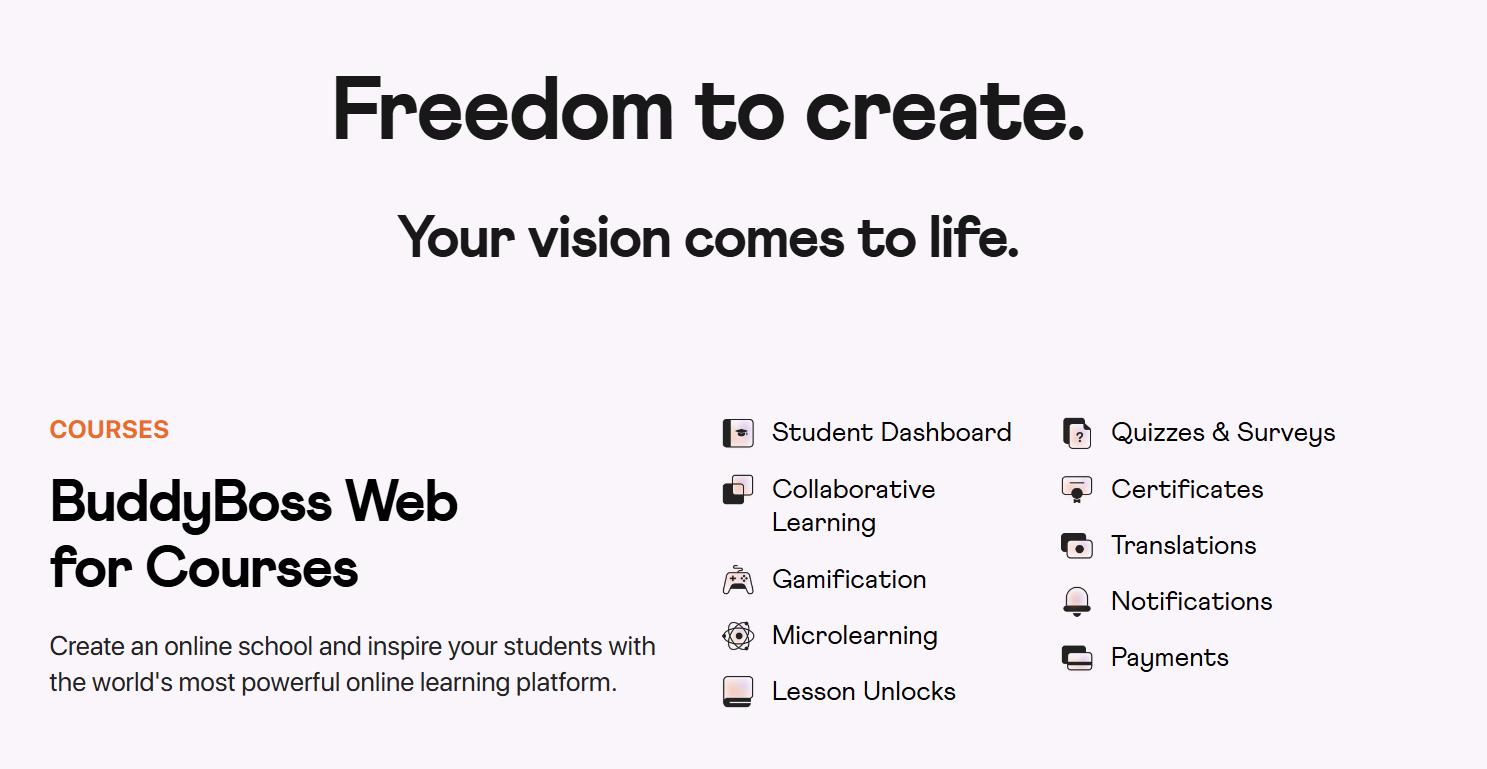
If you want your WordPress site to work more like a private social network, BuddyBoss is a strong option.
It puts profiles, groups, activity feeds, discussions, messaging, and learning integrations in one place. Members can connect and interact without moving between different platforms.
Key Features
- Member Profiles: Provide member profiles, connections and activities.
- Activity Feeds: Members can post, comment, react, and follow discussions.
- Social Groups: Organize public, private or hidden groups based on interests or member categories.
- Private Messaging: Enable members to communicate one-to-one and in groups.
- Course Integrations: Connect your community to LearnDash and other supported learning tools.
- Access Controls: Restrict social features by role, profile type, membership level and other restrictions.
Pros and Cons
Pros
- Gives you several community tools in one setup.
- Works well for paid communities and course-based communities.
- Offers a free core BuddyBoss Platform.
- Can grow beyond a simple forum as your community needs more features.
Cons
- It can be more than you need for a basic forum or small discussion site.
- A busy community with feeds, messages, groups, and notifications needs good hosting.
- Some advanced features require paid plans.
Cost
BuddyBoss offers three annual plans:
- Start: $99/year
- Launch: $199/year
- Scale: $349/year
These are 50% introductory prices for the first year. Regular annual pricing applies after that.
2. FluentCommunity: Best for Modern Online Communities
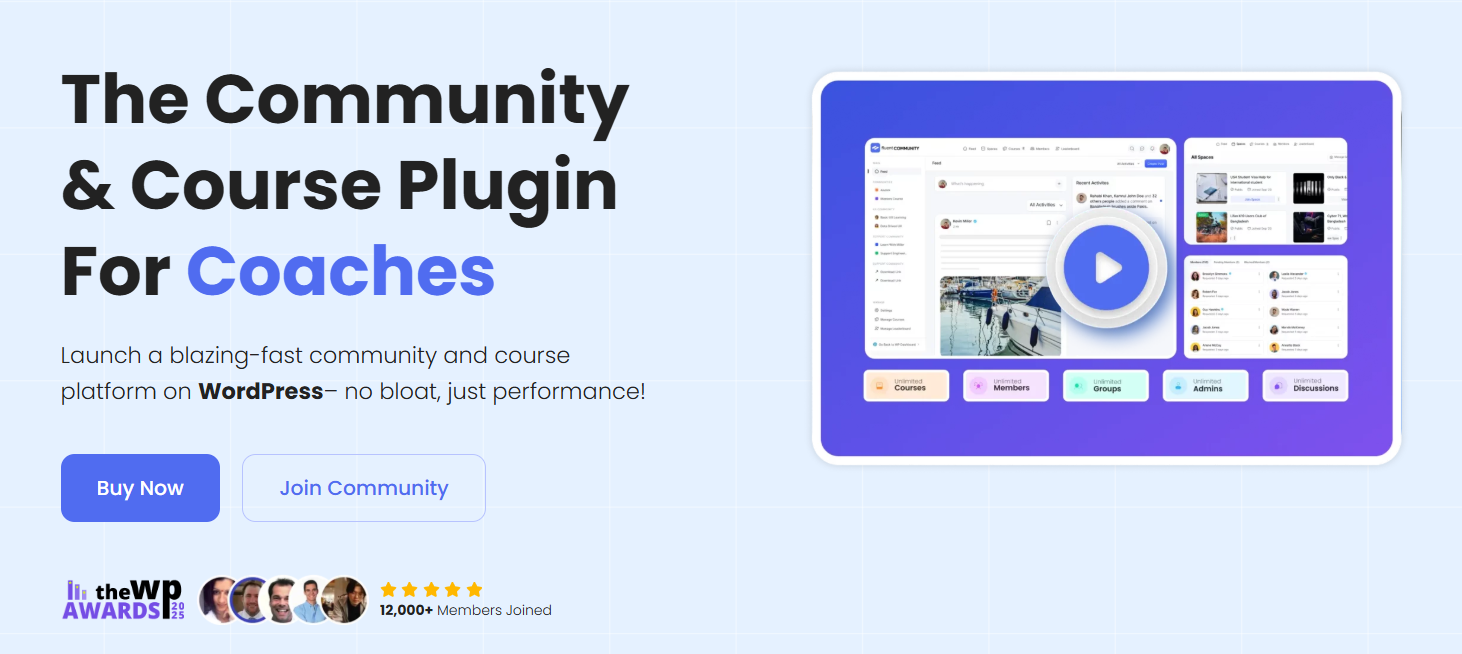
FluentCommunity brings social networking and learning features into WordPress. You can create spaces, discussions, member profiles, chats, and even courses without sending members to another platform.
It is especially useful if you already use other Fluent tools and want your community to connect with them.
Key Features
- Community Spaces: Establish separate spaces for topics, groups and interests.
- Activity Feeds: Users can share status, like and comment on other users’ posts.
- Member Profiles: Assign profile for each member and activity area.
- Real-Time Chat: Enable community members to converse directly with each other.
- Engagement Tools: Polls, Leaderboards, Mentions, Hashtags, Reactions to engage with the community.
- Course Builder: Build courses within the same community platform.
Pros and Cons
Pros
- Combines community and course features in one plugin.
- All paid plans include the full feature set.
- Works closely with FluentCRM and other Fluent tools.
- Supports unlimited members, groups, discussions, and courses.
Cons
- It is newer than long-running options like BuddyPress.
- Some integrations make more sense if you already use the Fluent ecosystem.
- Larger communities still need suitable WordPress hosting.
Cost
- Single Site: $159/year
- 5 Sites: $319/year
- 15 Sites: Starts at $559
FluentCommunity is currently offering first-year discounts, but I would use the regular prices in the blog because sale prices can change.
3. BuddyPress: Best Free WordPress Community Plugin
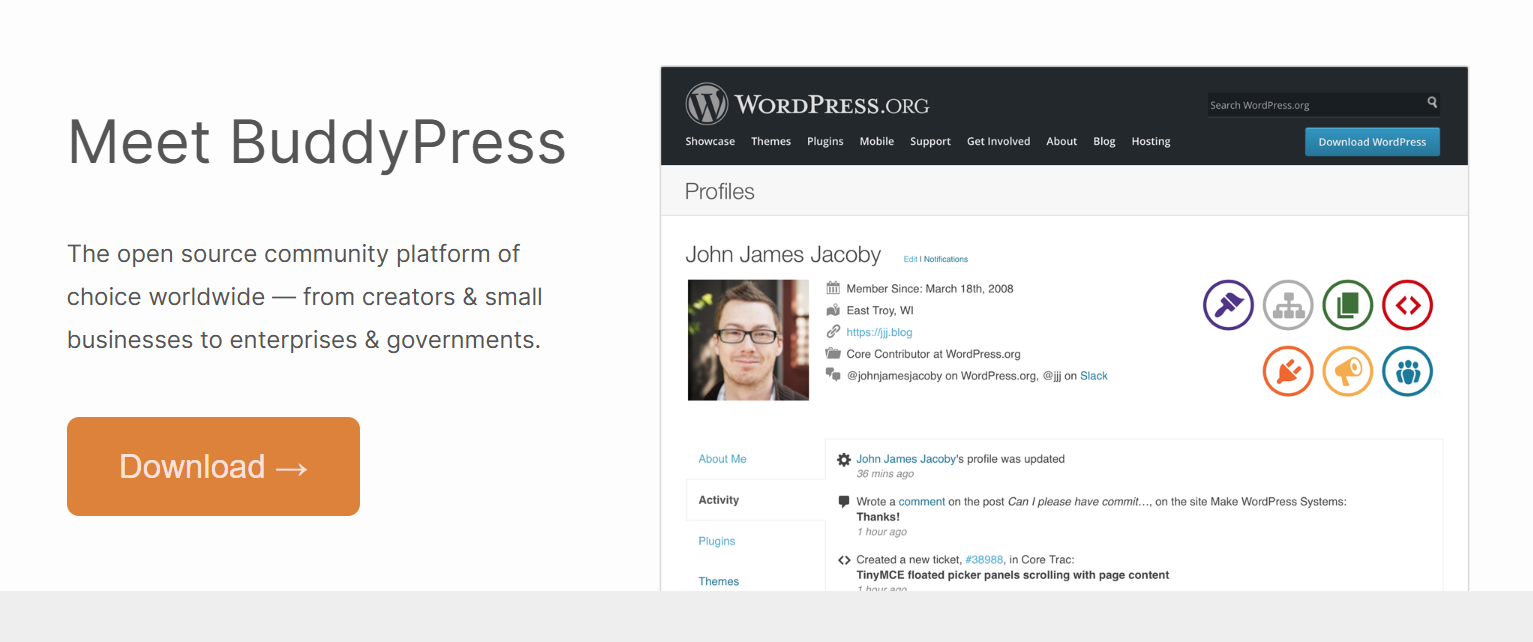
BuddyPress is a free, open source solution for implementing social features in WordPress. You can create members profiles, groups, private messaging, notifications, and activity feeds. Additional features can be turned off as well to focus the setup.
Key Features
- Member Profiles: Let users create profiles with custom information.
- Activity Streams: Give members a place to post updates and follow community activity.
- User Groups: Create smaller communities around interests, teams, or topics.
- Private Messaging: Members can message one person or several members privately.
- Notifications: Keep users updated about relevant community activity.
- Flexible Extensions: Add more features through third-party BuddyPress plugins.
Pros and Cons
Pros
- Completely free and open source.
- You can enable only the community features you need.
- Works with bbPress if you also want forums.
- Highly flexible, with more than 1,200 BuddyPress plugins listed in the WordPress.org repository according to its official documentation.
Cons
- The basic setup may need extra plugins for more advanced community features.
- Design and setup can take more work than an all-in-one option.
- Extra plugins, themes, or custom work can increase the real cost.
Cost
- Core Plugin: Free
- Premium Add-ons: Cost varies by the extensions you choose
- Extra costs: Hosting, themes, integrations, or custom development may add to the total
BuddyPress itself has no licence fee.
4. PeepSo: Best for Social Network-Style Communities
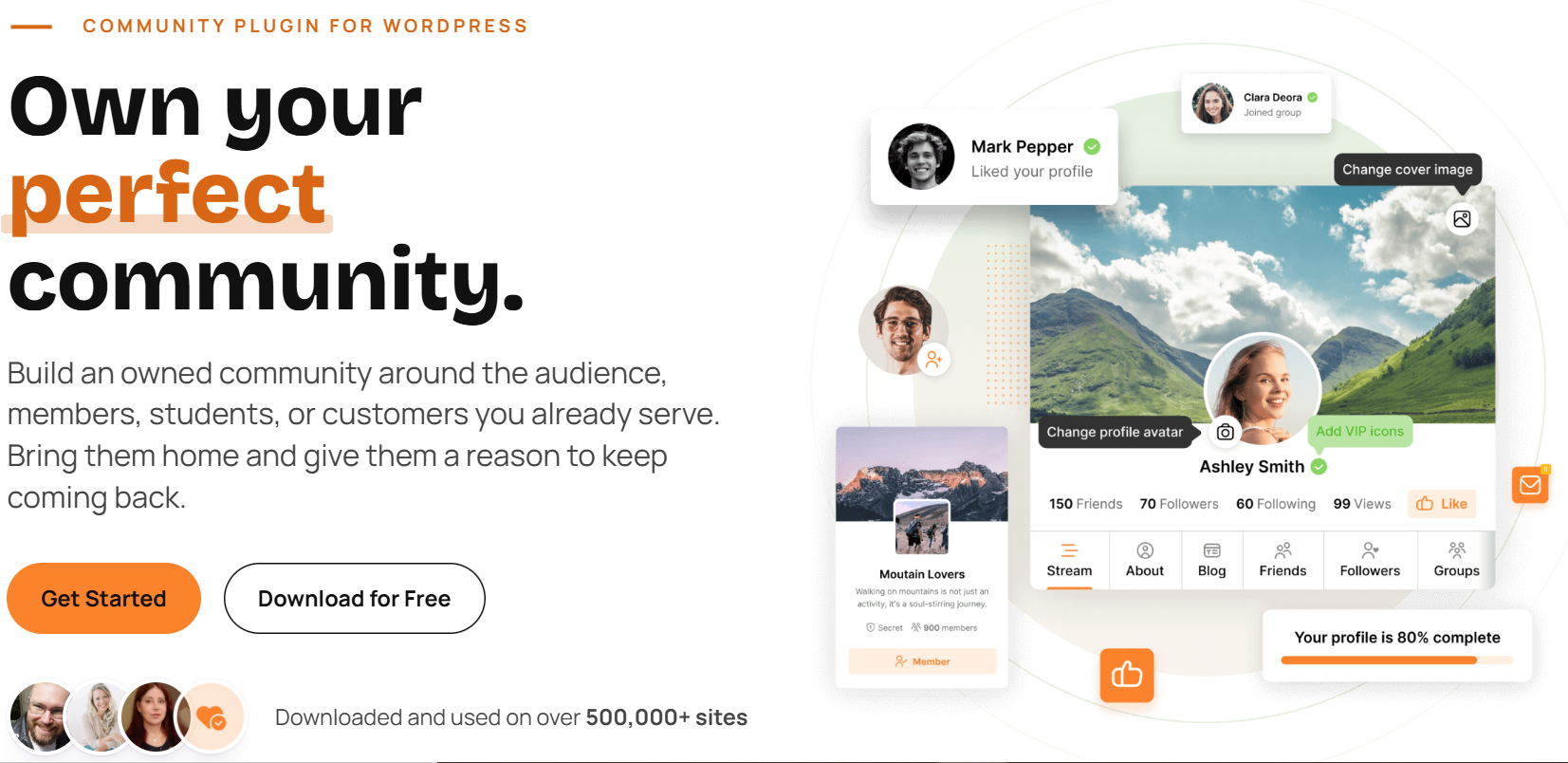
For those looking to create a WordPress community that feels more like a social network, PeepSo is worth considering.
It’s all about member profiles, activity feeds, groups, conversations and media sharing. It’s well suited if the primary motivation for people to join is engaging with other members.
Key Features
- Activity Streams: Members can update, comment and react on content.
- Member Profiles: Provide users with their own profile and community identity.
- Groups: Develop smaller rooms with different interests or topics.
- Chat: Have members chat with each other in private.
- Media Sharing: Users are able to share photos, videos, and other media.
- WooCommerce Integration: Integrate the community activities with an online store.
Pros and Cons
Pros
- Gives your site a familiar social-network feel.
- Free core plugin is available.
- Good range of social and engagement features.
- You can add features as your community grows.
Cons
- You may need paid add-ons for more advanced features.
- A large social community can need stronger hosting.
- It may be more than you need if you only want a simple forum.
Cost
- Community Bundle: 149/year(12.42/month)
- Ultimate Bundle: 249/year(20.75/month)
- Power Suite: $7,117/year for a fully managed community setup
The Ultimate Bundle adds more integrations, while Power Suite includes hosting, mobile apps, support, maintenance, and custom development.
5. AccessAlly: Best for Courses, Memberships and Communities
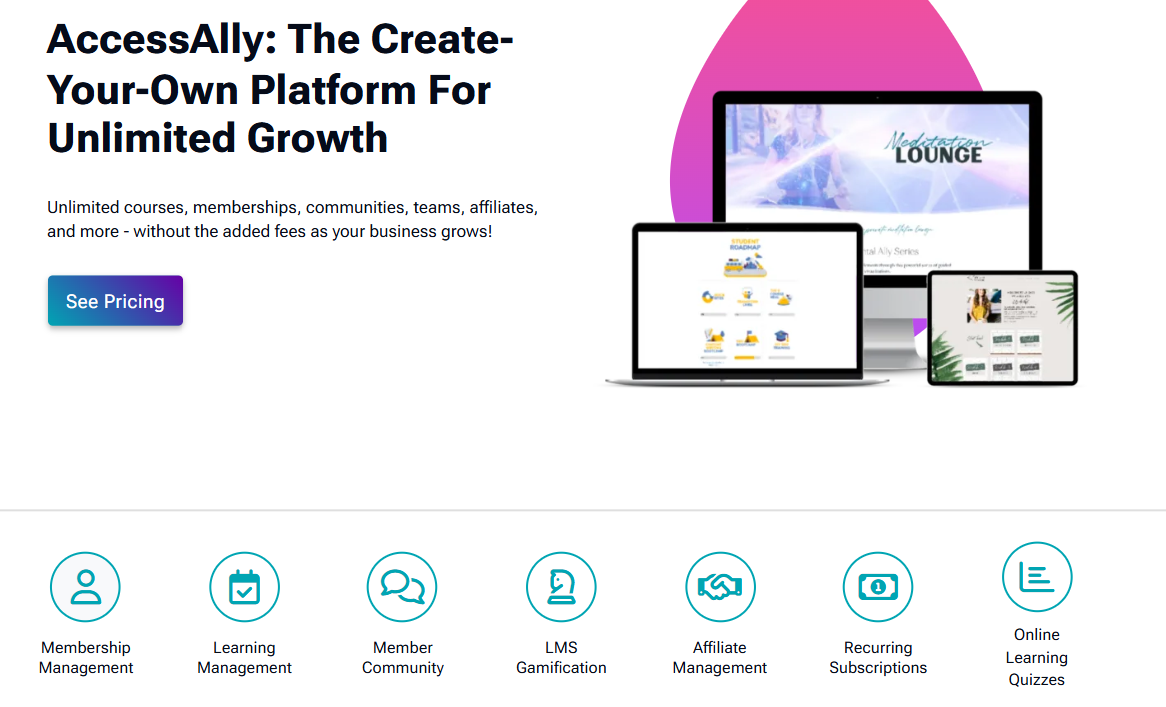
AccessAlly is more than just a basic community plugin. It combines courses, memberships, payments and community functionality all in one WordPress installation.
This is helpful if people join your site to learn and make connections, instead of just chat with other members. AccessAlly claims that over 2.5 million learners are using its platform
Key Features
- Community Groups: Set up separate groups where members can meet and converse.
- Courses: Develop organized learning programs with your community.
- Memberships: Restrict access to courses, content and other areas.
- Accept all types of payments including one-off, instalments and recurring subscriptions.
- LMS Tools: Introduce quizzes, progress tracking, certificates and other learning tools.
- CRM Integration: Integrate with the likes of ActiveCampaign, ConvertKit, Keap and Ontraport.
Pros and Cons
Pros
- Combines courses, memberships, payments, and community features.
- Supports unlimited courses and members.
- Does not charge its own transaction fees.
- Good fit for established course and coaching businesses.
Cons
- Costs much more than basic community plugins.
- Community features require the higher Community plan.
- It can be too much if you only need profiles, groups, or a simple forum.
Cost
AccessAlly offers three yearly plans:
- Essentials: $2,999/year
- Pro: $4,499/year
- Community: $5,999/year
All plans include a 1-site license, unlimited courses and members, and no transaction fees. The Community plan adds unlimited community groups and discussion threads.
6. wpForo: Best for Discussion-Based Communities
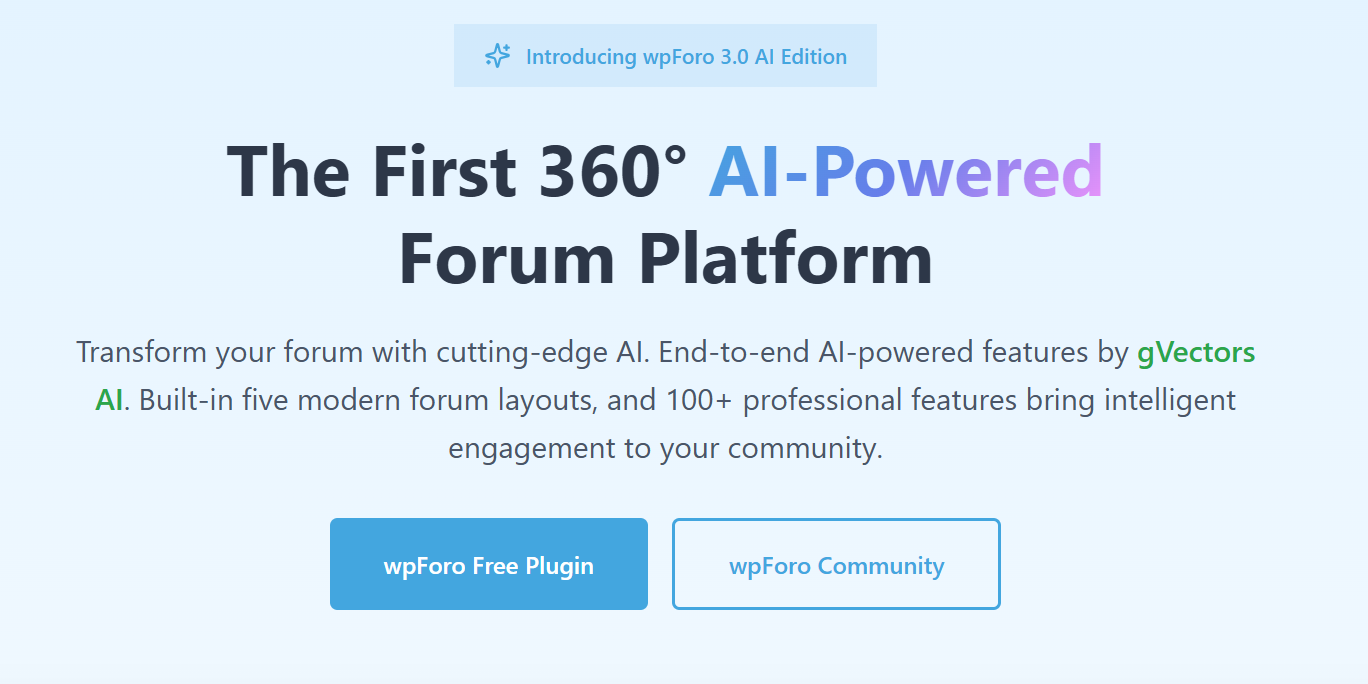
If your members mainly need a place to ask questions, share ideas, and have longer discussions, wpForo is a better fit than a full social-network plugin.
It gives you a proper forum setup without forcing you to add profiles, feeds, courses, and other tools you may not need.
Key Features
- Multiple Forum Layouts: Choose different layouts for Q&A, classic forums, and other discussion styles.
- Member Profiles: Give users profiles linked to their forum activity.
- Topics and Replies: Keep questions and longer conversations easy to follow.
- Moderation Tools: Manage posts, users, spam, and forum rules from WordPress.
- SEO Features: Structure forum discussions so search engines can index useful community content.
- Multi-Board Support: Run separate forum areas from one WordPress installation. wpForo says its free core now includes more than 100 features.
Pros and Cons
Pros
- The main plugin is free.
- Works well for Q&A and discussion-heavy communities.
- Gives you more forum features than a very basic discussion plugin.
- You can add paid features only when you need them.
Cons
- It feels more like a forum than a social network.
- Features such as advanced private messaging or attachments may need paid add-ons.
- A large forum still needs good hosting and spam control.
Cost
- Free: Core wpForo plugin is free.
- Premium Add-ons: Sold separately for extra features.
- Extra Costs: Hosting, premium add-ons, and custom work can increase the total cost.
wpForo itself has no core licence fee.
7. Ultimate Member: Best for Profiles and Member Directories
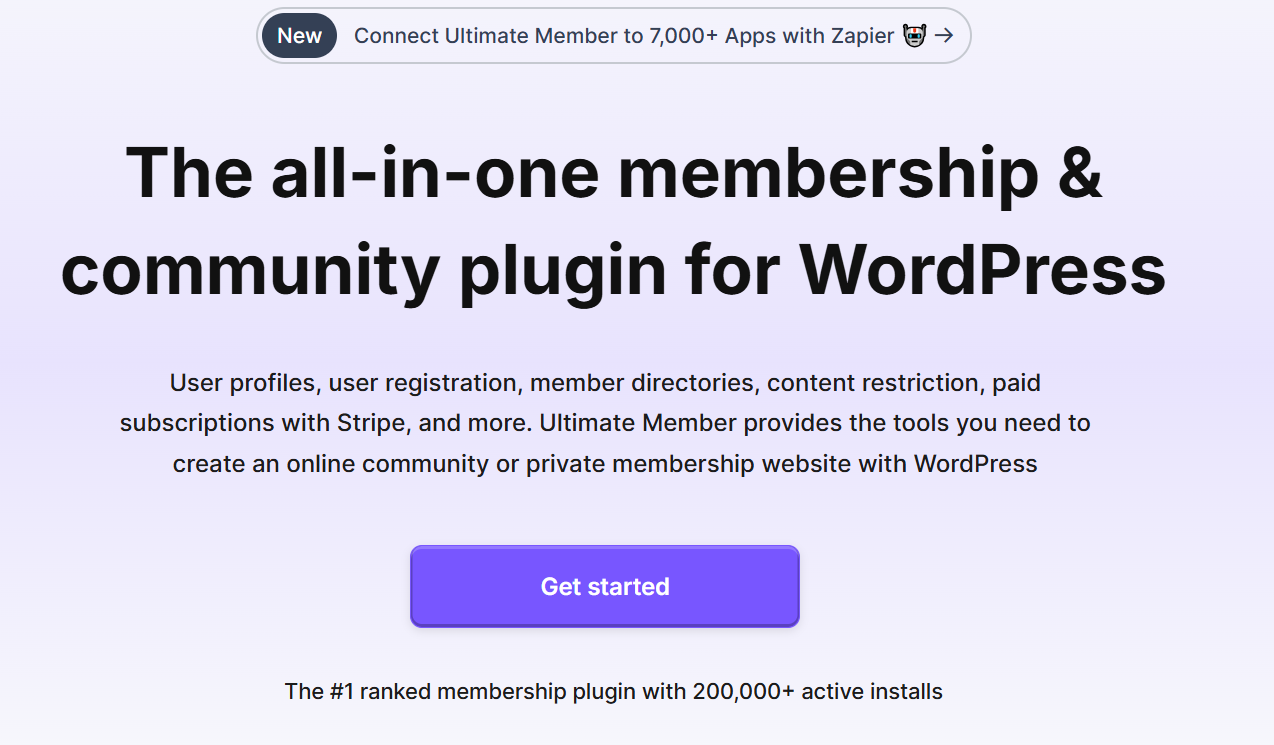
Need members to find each other rather than just post in a feed?
Ultimate Member focuses on profiles, signup forms, member directories, and user roles. It is a good option when the people inside your community are the main focus.
The plugin currently has 200,000+ active installs, according to Ultimate Member.
Key Features
- Member Profiles: Let users build and manage their own profiles.
- Searchable Directories: Help members find people by role or profile information.
- Custom Registration: Ask for the details you need when someone joins.
- User Roles: Create different member types and control their access.
- Private Content: Keep selected content for logged-in users or certain groups.
- Community Extensions: Add followers, messages, groups, reviews, and other social features when needed.
Pros and Cons
Pros
- Free core plugin covers profiles, directories, registration, and access control.
- Good fit for directories and professional networks.
- You can add extra community features later.
- Lets you customise signup and member profiles without building them from scratch.
Cons
- It is not built around activity feeds in the same way as BuddyBoss or PeepSo.
- Paid extensions can increase the cost.
- You may need another tool if courses or advanced payments are central to your community.
Cost
- Free: Core Ultimate Member plugin is free.
- Standard: $276/year for 1 site.
- Pro: $348/year for 2 sites.
The paid plans add extensions and support. If you only need profiles and directories, the free version may already cover a lot.
8. bbPress: Best for Simple WordPress Forums
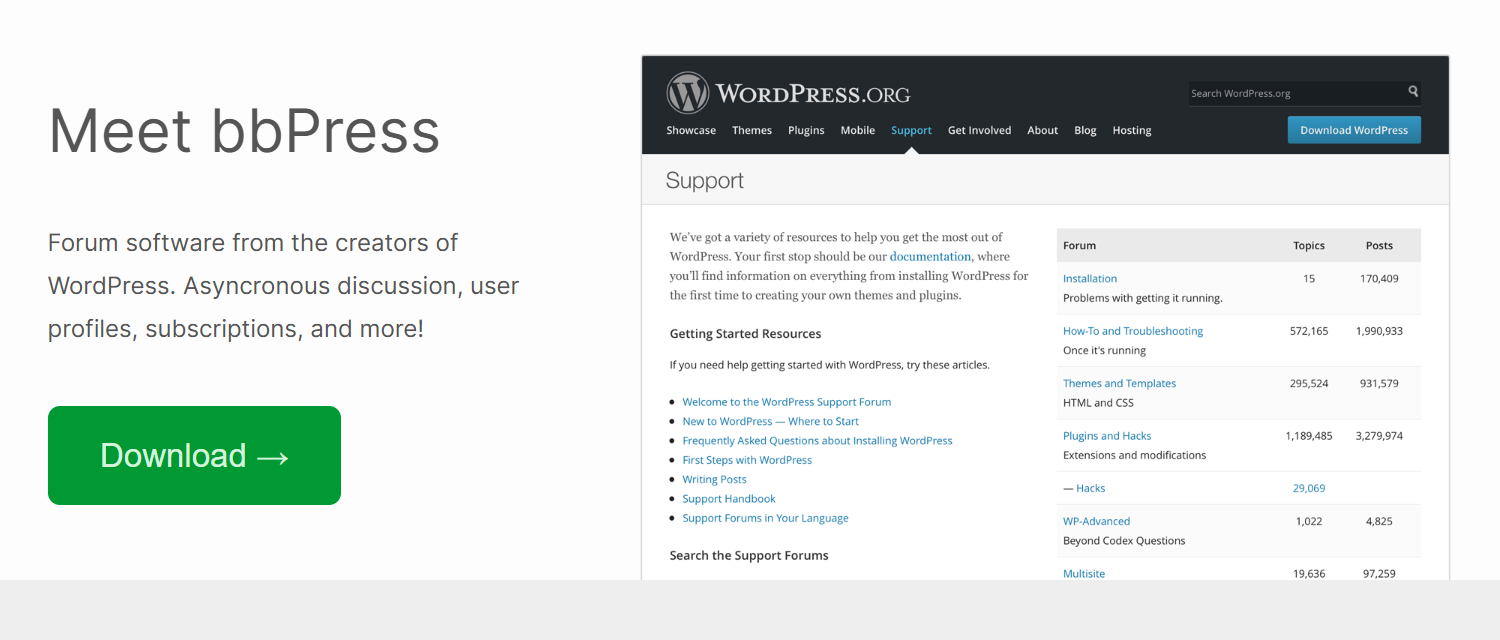
Not all communities require a full community platform. If you’re just interested in people creating topics, posting in them, and having set up organised discussions, then bbPress keeps everything light.
It is an open source and developed by WordPress users for WordPress.
Key Features
- Discussion Forums: Set up distinct facilitation areas for topics and answers.
- User Profiles: Enable forum activity to be linked to WordPress user accounts.
- Subscription: Give members the ability to follow discussions of interest.
- Easy Moderation: Post and user control via WordPress admin area.
- Multisite Support: Support WordPress multisite forums.
- Extensions: Attachments, voting, search, directories and more added as additional plugins.
Pros and Cons
Pros
- Completely free.
- Lightweight and simple compared with full social-community plugins.
- Works directly with WordPress users and admin.
- Good choice when forums are only one part of your website.
Cons
- The core experience is basic.
- You may need extra plugins for modern community features.
- It is not the right fit if you want social feeds, rich profiles, groups, or built-in courses.
Cost
- Free: bbPress itself is free.
- Premium Add-ons: Costs vary because most extensions come from third-party developers.
- Extra Costs: Hosting, themes, and extra forum plugins may add to the total.
If you only need straightforward discussions, bbPress keeps the cost and setup much simpler than a full community platform.
Which WordPress Community Plugin Fits Your Community?
By now, you may have noticed something important. The best WordPress community plugins are not all trying to solve the same problem.
Some focus on social interaction. Some are better for forums. Others work best when courses, memberships, or member directories sit at the centre of the site. So, instead of asking which plugin has the most features, ask a simpler question:
What do you actually want your members to do after they join?
Want a Full Social Community?
Go with BuddyBoss if you want profiles, groups, feeds, messaging, and course connections in one setup. It is a good fit for paid communities, coaching groups, and course-based communities where member interaction matters every day.
Want a Modern Community With Automation?
FluentCommunity makes sense if you want spaces, feeds, chat, courses, and stronger links with email or CRM tools. It is especially useful if you already use FluentCRM or other Fluent products.
Need a Free WordPress Community Plugin?
BuddyPress is still one of the best free options. You get profiles, groups, activity streams, and other core social features without paying for the main plugin. Just remember that themes, hosting, add-ons, and custom work can still add to the real cost.
Want a Social-Network Feel?
Choose PeepSo if you want your site to feel closer to a private social platform. It puts more focus on feeds, profiles, groups, chat, and member interaction than on structured forum discussions.
Selling Courses With Community Access?
AccessAlly is a better fit if learning and community need to work together. It combines courses, memberships, payments, and community features, so you do not have to piece everything together from separate tools.
Need Mainly Discussions or Q&A?
Look at wpForo or bbPress. wpForo gives you a richer discussion setup with more built-in forum features. bbPress keeps things lighter if you only need simple topics and replies.
Need Profiles and Member Directories?
Ultimate Member works well if members need to find each other. It is useful for associations, alumni sites, professional networks, and other communities where profiles and directories matter more than feeds.
WordPress Community Plugin vs Hosted Community Platform
Here is another question buyers often ask:
Should you build your community inside WordPress or use a hosted platform instead?
There is no one right answer.
A hosted community platform can be easier to launch because hosting and updates are handled for you. A WordPress community platform, on the other hand, gives you more control over your website, data, design, and integrations.
| Area | WordPress Community Plugin | Hosted Community Platform |
| Data control | More control | Platform controlled |
| Customisation | High | Usually more limited |
| Hosting | You manage it | Included |
| Setup | More hands-on | Usually faster |
| Integrations | Large WordPress ecosystem | Depends on provider |
| Pricing | Varies by setup | Usually monthly subscription |
| Migration | More control | Can be harder |
Here’s the catch.
More control also means more responsibility. You need to manage hosting, updates, backups, and performance.
So if you want a quick setup with less technical work, a hosted platform may feel easier. If you want more control over how the community works and connects with the rest of your website, WordPress usually gives you more room.
What Does a WordPress Community Really Cost?
The plugin price is only one part of the cost. A free WordPress social network plugin may look cheaper at first, but you may still need paid add-ons, better hosting, email tools, LMS connections, or development work.
Your real cost may include:
Plugin + hosting + premium add-ons + integrations + development + maintenance
For example, BuddyPress is free. But if you add a premium theme, messaging tools, paid memberships, better moderation, and custom design, the full setup can cost much more than zero.
On the other hand, a paid plugin may already include several features you would otherwise have to buy separately. So do not compare plugins only by licence price.
Look at what you will need over the next year or two.
Can WordPress Handle a Large Online Community?
Yes, but the plugin is only part of the answer. A busy community creates a lot more activity than a normal brochure website. Members log in, post updates, send messages, upload media, join groups, and trigger notifications. That means hosting and performance matter.
WPBeginner also includes performance and scalability in its testing because community plugins constantly process user activity in the background.
If you expect the community to grow, pay attention to:
- Reliable hosting
- Database performance
- Caching
- Media storage
- Plugin load
- Backup setup
- Spam and moderation
- Member activity
Did you know? A plugin that works well for 100 members may need a better hosting setup once thousands of users start logging in regularly.
That does not mean WordPress cannot scale. It just means you need to build the site for the level of activity you expect.
When a Standard Community Plugin Is Not Enough
Sometimes you find the right plugin, but the default setup still does not fit the way your business works.
You may need:
- Custom member dashboards
- LMS connections
- Paid membership rules
- CRM integrations
- Automated onboarding
- Custom reporting
- Different access rules
- Special group workflows
At that point, adding more random plugins is not always the best answer. Too many tools can make the site harder to manage.
If you need a more customized setup, custom WordPress community development can connect the features you actually need without turning the site into a patchwork of plugins.
Need More Control Over Your Community Setup?
Found the right plugin but still need a few things to work differently?
TeknoFlair can customise WordPress community platforms such as BuddyBoss and connect them with memberships, LearnDash, CRM tools, payments, or other systems already used by your business. This can cut manual work and make the community easier to manage as it grows.
Talk to TeknoFlair about building a community setup around the way your business actually works.
Final Verdict: Which Is the Best WordPress Community Plugin?
The right WordPress community plugin depends on how you want members to use your site.
Start with the main purpose of your community. Do members need to talk, learn, join groups, find other members, or ask questions?
Then choose the plugin that handles that job well without adding features you may never use. A simpler setup is often easier to manage, cheaper to maintain, and easier to scale later.
Frequently Asked Questions
What is the best WordPress community plugin?
BuddyBoss is a strong all-round option for full community sites. But the best choice depends on whether you need social feeds, forums, courses, or member directories.
Is there a free WordPress community plugin?
Yes. BuddyPress, bbPress, wpForo, Ultimate Member, and PeepSo all offer free options.
Can I build an online community with WordPress?
Yes. You can use WordPress community plugins to add profiles, groups, feeds, forums, messaging, memberships, and other community features.
What is the difference between BuddyBoss and BuddyPress?
BuddyPress gives you a free open-source community foundation. BuddyBoss builds on that idea with a more complete design and more ready-made community features.
What is the best WordPress community plugin for online courses?
BuddyBoss and AccessAlly are both strong options. BuddyBoss works well with LearnDash, while AccessAlly combines courses, memberships, and community tools in one setup.
Which WordPress plugin is best for paid communities?
BuddyBoss is a good fit for paid social communities. AccessAlly also works well when paid access includes courses or membership content.
What is the difference between a forum plugin and a community plugin?
A forum plugin focuses mainly on topics and replies. A community plugin usually adds profiles, groups, feeds, messaging, and other social features.
Can I use a WordPress community plugin with LearnDash?
Yes. Plugins such as BuddyBoss can connect with LearnDash to bring courses and community features into the same website.
Read More:
How to Build an Online Community: Where to Begin
How to Set up a Private Community website using BuddyBoss?
