



You know who bought your course. But do you know who is stuck, who is dropping off, and who is ready to buy again? Most LMS setups give you basic information. You can see enrollments and course progress. But they don’t show the full picture of what your users are actually doing.
And that’s where things start breaking. You start guessing instead of making decisions. Send the same emails to everyone. Miss chances to re-engage users who are inactive or upsell to those who are ready for the next step.
The problem is neither your course nor LearnDash. But your LMS is working in isolation. Your email tool runs separately and CRM tracks users somewhere else. Your payment system works on its own. None of them are connected, so your data stays scattered and your workflows stay manual.
This is where LearnDash integration makes a real difference.
When your LMS is connected with your business tools, everything starts working together. You understand your users better, automate key actions, and build a system that supports growth instead of slowing it down.
Why LearnDash Alone Is Not Enough for Growing Businesses
The LearnDash WordPress plugin gives you a solid foundation to create and deliver courses. It works well when your setup is simple. But as your training business grows, course delivery is no longer enough.
You need a system that supports how your business actually runs.
You need:
- A way to capture and manage leads
- Email automation that reacts to user behavior
- Clear visibility into what your users are doing
- Smooth payment and access control
- Reports that help you make decisions, not guesses
On its own, LearnDash does not handle all of this. And it’s not designed to. That’s where most businesses start feeling the gap.
Without proper LearnDash integration:
- You check multiple tools to understand one user
- You manually send emails or updates
- Your data sits in different places without a connection
This creates delays, mistakes, and extra work. Growth should simplify your operations. But without the right setup, it does the opposite. Your system becomes harder to manage as more users join.
That’s the point where LearnDash needs to move beyond being just a course platform and start working as part of a connected business system.
What is LearnDash Integration?
Let’s make this practical.
Learndash integration means your LMS does not work alone. It works with the rest of your business tools.
Right now, most setups look like this:
- Your LMS tracks courses
- Your email tool sends campaigns
- Your CRM stores user data
But none of them share information in real time. With proper LearnDash integration, these systems start working together.
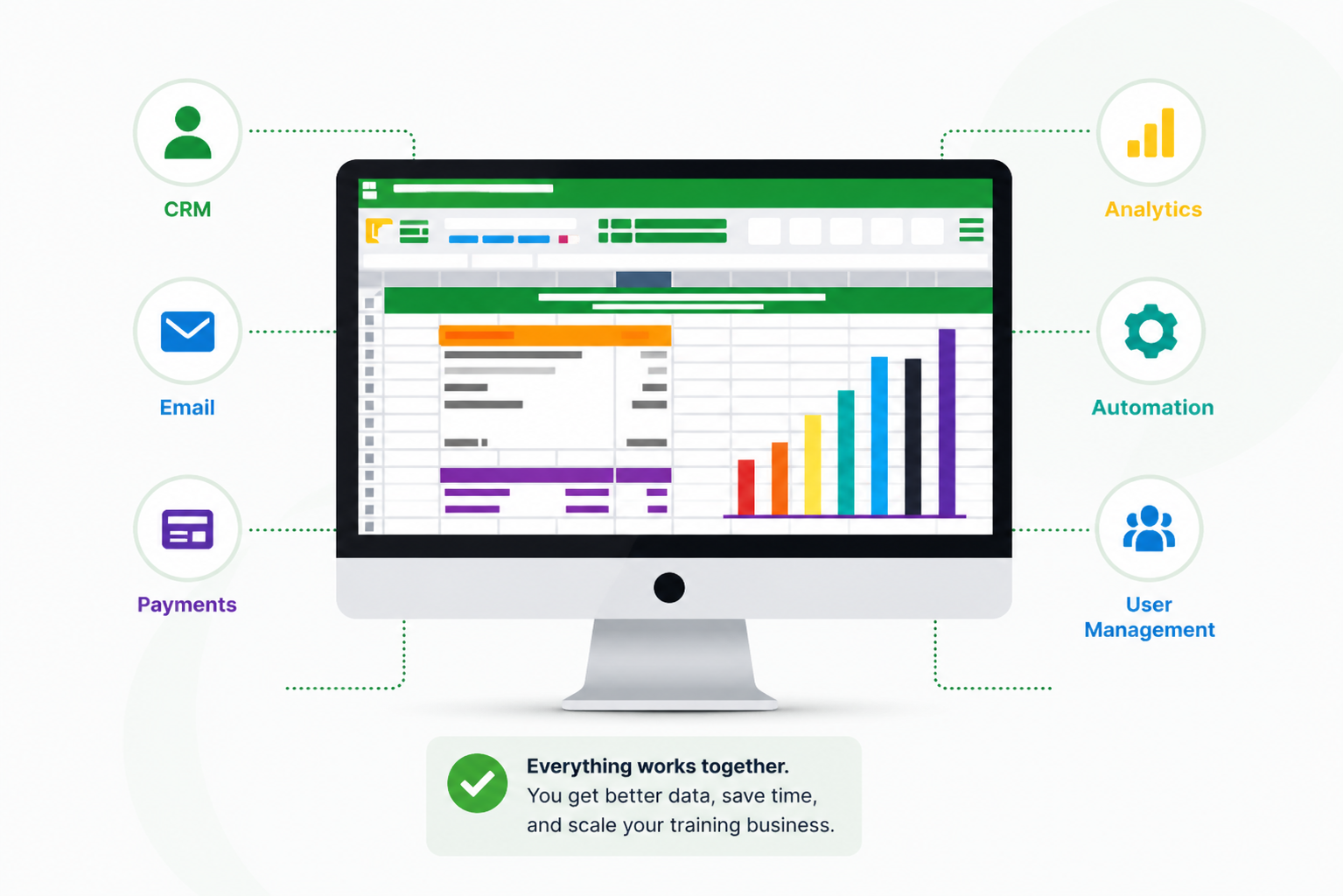
You can connect:
- CRM systems to track user activity and behavior
- Email tools to send messages based on actions inside courses
- Payment systems to control access automatically
- Analytics tools to understand performance clearly
- Automation platforms to reduce manual work
So instead of switching between tools and updating things manually, your system runs as one.
- A user enrolls, and your CRM updates.
- A lesson is completed, and an email is triggered.
- A payment fails, and access is adjusted automatically.
Your existing tools connect and share data in real time. This reduces manual work, keeps everything in sync, and gives you better control over your operations.
Key Systems You Should Connect with LearnDash
1. CRM Integration for Better User Management
A CRM helps you understand what your users are actually doing beyond just enrolling in a course.
Instead of checking different tools, you can track everything in one place.
You can:
- See who joined, completed, or dropped off a course
- Track user activity across lessons and actions
- Identify leads, active users, and repeat buyers
- Segment users based on behavior, not guesses
Tools like FluentCRM (WordPress-based), HubSpot, or Zoho can handle this well. With proper learndash integration, user activity inside your courses updates automatically in your CRM.
You don’t need to export data or update records manually.
This gives you a clear view of your users and helps you take action at the right time.
2. Email Marketing and Automation
Email becomes more effective when it reacts to what users do inside your LMS. Instead of sending the same campaign to everyone, you can send targeted messages based on behavior.
You can:
- Send a welcome email as soon as someone enrolls
- Remind users who have not completed lessons
- Trigger follow-ups when a course is finished
- Offer the next course to users who are ready to move forward
- Re-engage inactive users without manual effort
Tools like FluentCRM (ideal for WordPress), Mailchimp, or ActiveCampaign can be connected easily. With the right setup, emails are triggered automatically based on user actions. You don’t have to monitor progress or send reminders yourself.
This keeps users engaged and helps you generate more revenue without adding extra work.
3. Payment and Checkout Systems
Selling courses means controlling access, pricing, and user experience without friction.
LearnDash works best when connected with tools like:
- WooCommerce for full checkout control
- Stripe and PayPal for direct payments
- MemberPress for membership-based access
With the right setup, you can:
- Grant course access instantly after payment
- Restrict access when subscriptions expire
- Offer bundles, upsells, and tiered pricing
- Manage refunds and access without manual work
This setup gives you control over how you sell, not just what you sell. You are not limited to a fixed checkout system. You build a payment flow that fits your business model.
4. Reporting and Analytics
As your LMS grows, basic reports stop being useful. You need to understand what is actually happening inside your courses, not just see enrollments and completions.
You should be able to track:
- Where users drop off in a course
- Which lessons are completed and which are skipped
- How users perform in quizzes
- Which courses generate the most engagement and revenue
With proper LearnDash integration, you can connect tools like Google Analytics or use dedicated reporting solutions to get deeper insights.
This is where having a structured reporting system makes a difference.
For example, tools like LearnDash Email Insights by TeknoFlair help you:
- Automatically send course progress reports
- Share quiz results with users and admins
- Deliver scheduled updates without manual effort
- Keep trainers and managers informed at the right time
Instead of checking dashboards again and again, reports are delivered directly when needed. This saves time and keeps everyone aligned.
With better reporting, you stop guessing and start making decisions based on actual data.
5. Automation Tools to Save Time
As your user base grows, manual tasks start piling up. Enrolling users, sending emails, updating records, and managing access can quickly become time-consuming.
This is where automation tools play a key role in learndash integration. Instead of handling tasks manually, you connect systems so actions trigger automatically.
You can use tools like:
- Zapier or Make for connecting external platforms
- Uncanny Automator for WordPress-based automation
- WP Fusion to sync CRM data with LearnDash
These actions run in the background once set up. Your system handles repetitive tasks while you focus on improving your courses and growing your business.
How LearnDash Integration Actually Works (Simple View)
Connecting LearnDash does not mean installing one plugin and calling it done. It works as a structured setup where different tools communicate with each other.
At a basic level, integration usually involves:
1. Choosing the Right Tools
You select tools for CRM, email, payments, and automation based on your business needs.
2. Connecting Them Through Plugins or Automation
You use WordPress plugins like Uncanny Automator, WP Fusion, or tools like Zapier to connect systems.
3. Defining Triggers and Actions
You decide what should happen when a user takes an action.
For example:
- User enrolls → send welcome email
- Course completed → tag in CRM
- Payment fails → restrict access
4. Testing and Optimizing
Once connected, workflows are tested to ensure everything runs smoothly without errors.
Benefits of Connecting LearnDash with Your Business Stack
When your LearnDash setup is properly connected, your system starts working the way a business system should.
You stop managing tools and start managing outcomes.
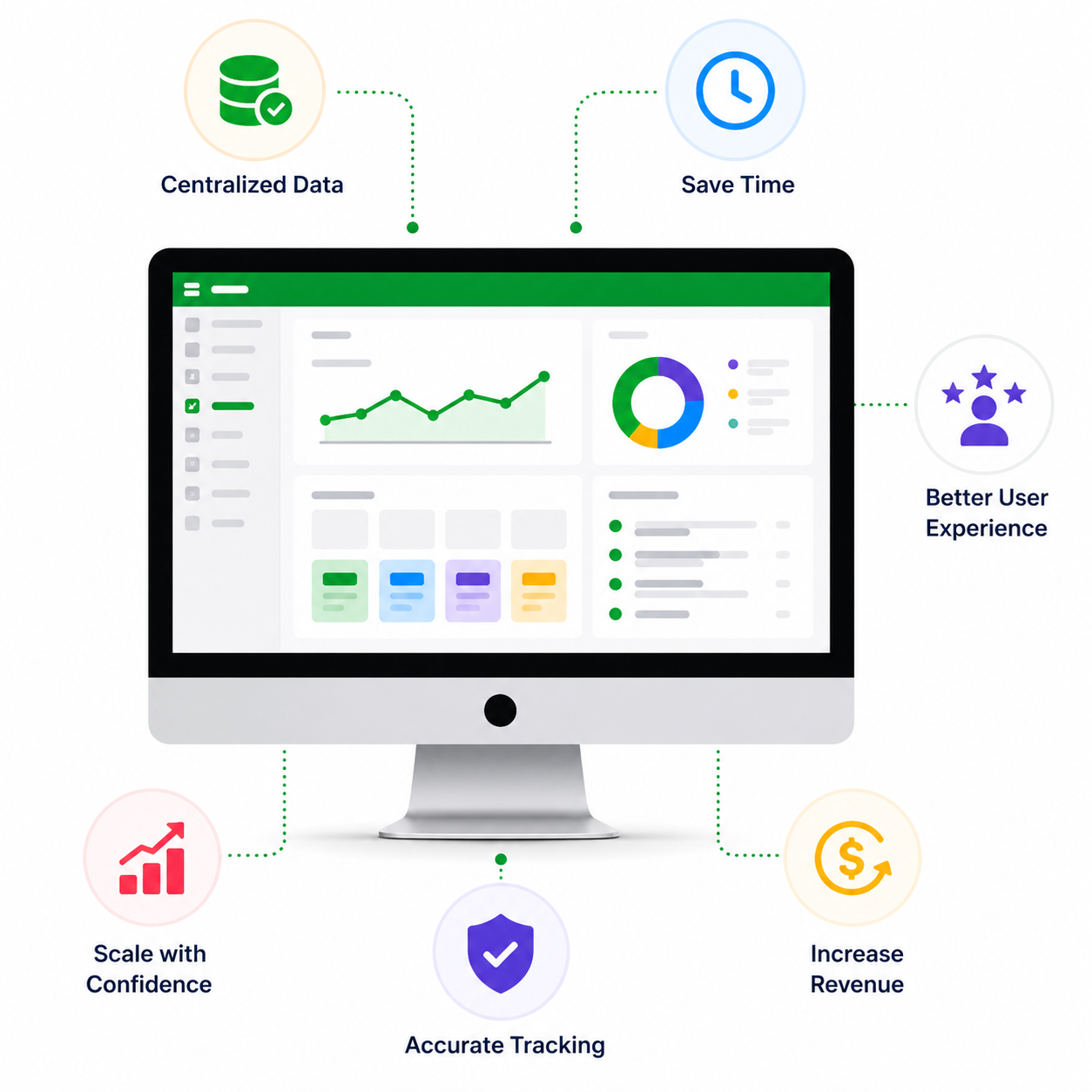
Reduced Manual Work
You reduce manual work across enrollments, emails, and user tracking, which saves hours every week and removes repetitive tasks.
Smoother User Journey
Your users move through a clear path from signup to course completion without confusion, delays, or missed steps.
Higher Course Completion Rates
Users receive timely reminders and guidance based on their progress, which keeps them engaged and increases completion.
Scalability Without Extra Effort
You can handle more users without adding team members or increasing daily operational workload.
Better Data Visibility
You get clear, reliable data across courses, users, and revenue in one place, which helps you make better decisions.
More Revenue Opportunities
You create better opportunities for upsells and repeat purchases through automated workflows and targeted communication.
Your system runs more efficiently, your workload decreases, and your LMS starts supporting your growth instead of slowing it down.
Build a Fully Connected LearnDash System with the Right Experts
If your LMS is not connected, you are leaving growth opportunities on the table. Most issues don’t come from LearnDash itself. They come from how the system is set up and how different tools are connected.
Connecting your LMS is not just about installing plugins. It requires planning, the right tools, and a clear understanding of how your business operates.
A skilled LearnDash developer focuses on building a system that works smoothly from end to end.
At TeknoFlair, we help businesses:
- Set up complete LearnDash Integration
- Connect CRM, email, and payment systems
- Build automation workflows based on real use cases
- Optimize performance and reporting for better decisions
That’s why many businesses choose to work with the best LearnDash experts in usa and uk to build a system they can rely on.
Instead of adding tools randomly, we create a structured setup where everything works together without conflict. If you want long-term results, it’s better to hire learndash developer support rather than testing different tools without a plan.
FAQs
1. Can LearnDash integrate with CRM tools?
Yes. You can connect LearnDash with tools like FluentCRM, HubSpot, or Zoho using plugins or automation tools.
2. Do I need Zapier for LearnDash integration?
Not always. Many WordPress plugins work directly, but Zapier helps when direct integration is not available.
3. What is the best email tool for LearnDash?
FluentCRM is a strong option for WordPress users. Mailchimp and ActiveCampaign are also widely used.
4. Can LearnDash handle automation?
LearnDash supports automation through integrations and plugins. It does not handle everything on its own.
5. Do I need a LearnDash developer?
If you want a clean and scalable system, working with a LearnDash developer is the best option. Teams like TeknoFlair help you set up the right integrations, build workflows, and ensure your LMS runs smoothly as your business grows.
