












Building a WordPress website used to take days or even weeks. You needed a theme, a page builder, content and images to put everything together. Today, AI can handle much of that work for you.
In fact, AI adoption continues to grow across the web industry. According to industry reports, more than 70% of businesses are already experimenting with AI tools. They improve productivity, automate repetitive tasks, and speed up digital projects. Website creation is one of the areas seeing the biggest transformation.
An AI Website Builder for WordPress can generate layouts, write content, create images, and even build entire websites from a simple prompt. What once required technical skills can now be done in a fraction of the time.
But here’s the challenge. Not all AI Website Builders for WordPress offer the same experience. Some focus on design flexibility. Others prioritize speed. Some are built for agencies, while others are for beginners launching their first website.
Look, choosing the wrong tool can leave you spending hours fixing layouts, rewriting content, and rebuilding pages manually. The right tool can help you launch faster while keeping full control over your WordPress site.
To help you make the right choice, we’ve reviewed the best AI Website Builders for WordPress available in 2026.
Quick Comparison of the Best AI Website Builders for WordPress
| Builder | Best For | AI Features | Ease of Use |
| Elementor AI | Design flexibility | Excellent | Easy |
| 10Web AI Builder | Fast website generation | Excellent | Very Easy |
| Lovable | SaaS and web applications | Excellent | Moderate |
| ByMiles AI | Small businesses | Good | Easy |
| ZipWP | Instant WordPress websites | Excellent | Very Easy |
| SeedProd | Landing pages | Good | Very Easy |
| Divi AI | Design automation | Excellent | Easy |
| Hostinger AI Website Builder | Budget users | Good | Very Easy |
| Bluehost WonderSuite | Beginners | Good | Very Easy |
| GoDaddy Airo | Small business websites | Good | Very Easy |
What Should You Look for in AI Website Builders for WordPress?
Before going into detail, it’s important to understand what separates a good builder from a great one. Many platforms claim to use artificial intelligence. However, some only generate basic layouts. Others can build an entire website with content, images, and branding suggestions.
Here are the features that matter most.
Website Generation Speed
One of the biggest reasons businesses use AI Website Builders for WordPress is speed. A good AI builder should create a complete website draft within minutes. This gives you a strong starting point instead of building every page manually.
Design Flexibility
AI can generate a website quickly, but you still need control. The best platforms allow you to adjust layouts, colors, typography, and content without starting over.
AI Content Creation
Writing website copy often takes longer than building the design itself. Modern AI builders can generate headlines, service descriptions, CTAs, FAQs, etc. This helps businesses launch faster while maintaining a professional appearance.
SEO Features
Many AI Website Builders for WordPress now include SEO assistance, metadata generation, and keyword recommendations. They help websites rank better in search engines.
WordPress Compatibility
Some AI builders create websites outside WordPress. Others work directly inside the WordPress ecosystem. If you plan to grow your website over time, WordPress compatibility should be a priority.
Now let’s look at the platforms leading the market in 2026.
1. Elementor AI:
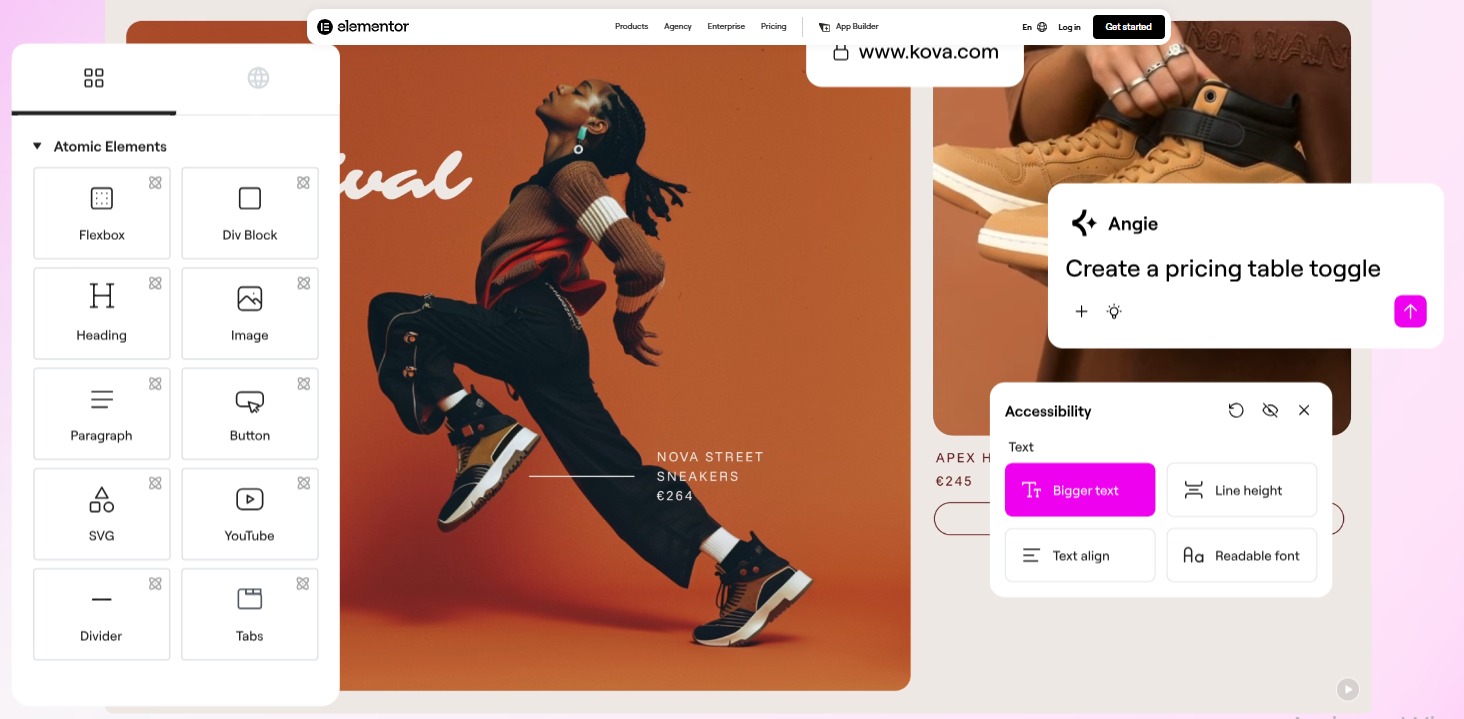
Many AI website builders start with a prompt and generate a full website. Elementor AI takes a different approach.
It adds AI tools directly to the Elementor editor instead of replacing the builder. Content generation, image creation and code assistance are all available from the same workspace. For existing Elementor users, that’s a major advantage. There is no new platform to learn and no separate workflow to manage.
Key Features
- AI Content Generation – Writes headlines, FAQs, and product descriptions for website pages from prompts.
- AI Image Creation – Creates images for website pages directly inside Elementor.
- AI Code Assistant – Generates custom CSS, HTML, and code snippets for page customization.
- AI Translation – Rewrites and translates website content without leaving the editor.
- Context-Aware Suggestions – Uses page context to generate more relevant text and layouts.
Pricing
- AI Starter – From $3.99/month
- AI Power – From $8.25/month
- AI Visionary – From $15.99/month
Pros & Cons
Pros: Built directly into Elementor and combines multiple AI tools in one place. It’s easy to adopt for existing users.
Cons: Some features require Elementor Pro. Usage limits vary by plan.
Verdict
Elementor AI works best for users who already using Elementor for website creation. Elementor AI won’t build an entire website for you. What it does well is handle all the small jobs that eat up time when you’re building pages in Elementor.
2. 10Web AI Builder
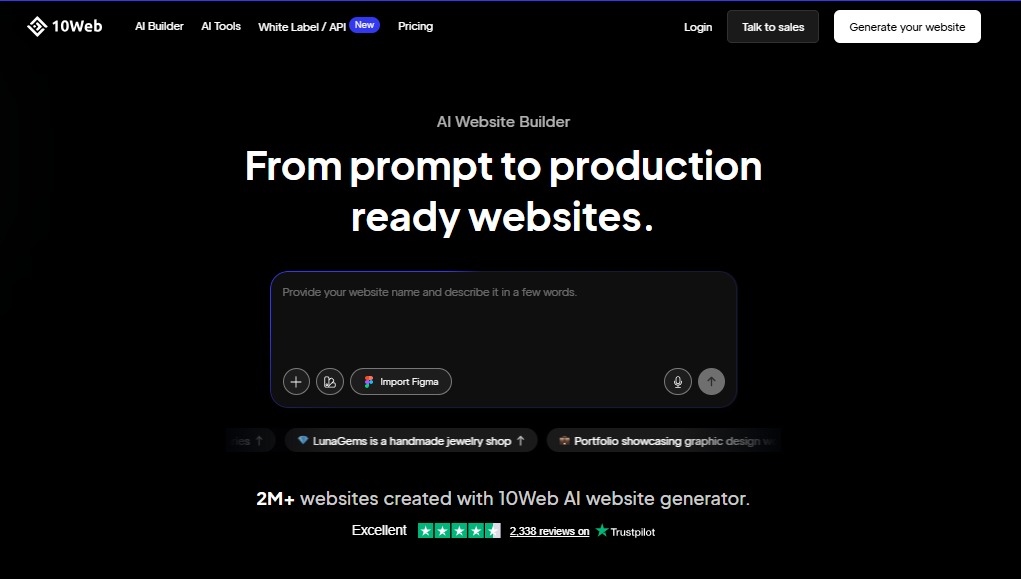
Agencies often face tight deadlines. A client wants a website similar to an existing one, and they want it delivered as quickly as possible. This is where 10Web AI Builder stands out.
It’s useful when you want a working site quickly without designing everything from scratch. But it’s not “set and forget.” You still go in and adjust layouts, content, and styling.
Key Features
- AI Website Generation – Creates a complete WordPress website from a short description of your business.
- AI Website Recreation – Rebuilds website layouts based on an existing website URL.
- Performance Optimization – Optimizes images and code to improve loading speeds.
- Managed Hosting – Includes Google Cloud hosting and website management tools in one platform.
- AI Content Creation – Generates website copy based on business information and industry type.
Pricing
AI Starter – From $10/month (billed annually)
Pros & Cons
Pros: Fast website generation, built-in hosting, and automated performance optimization. Useful for agencies managing multiple projects.
Cons: Hosting flexibility is more limited compared to self-managed WordPress setups.
Verdict
10Web is good if you want a website quickly. It is not good if you expect the AI to get everything perfect on the first try.
3. Lovable
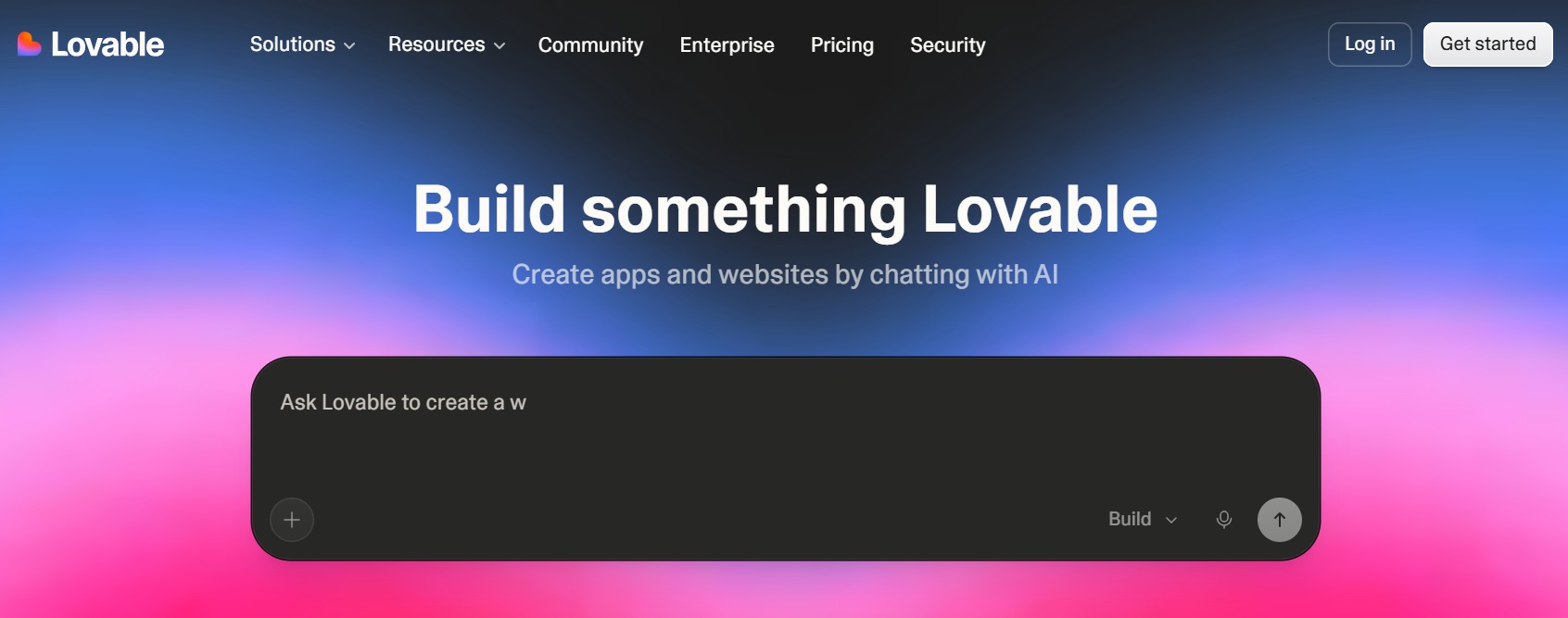
Lovable is not a WordPress tool. It builds web apps and websites using modern frameworks like React and Next.js. You don’t drag and drop anything. You describe what you want, and it generates a working application. It feels more like building a product than building a website. Instead of focusing on page building, it helps users create web apps, SaaS products, dashboards, and interactive tools using simple prompts.
This makes it one of the most unique AI builders on this list.
Key Features
- Prompt-Based Development – Creates websites and web applications from simple text instructions.
- Full-Stack Generation – Generates both front-end interfaces and back-end functionality.
- Database Integration – Connects applications with databases for storing and managing data.
- Real-Time Editing – Allows users to modify projects through additional prompts and instructions.
- Rapid Prototyping – Helps founders and developers turn ideas into working products quickly.
Pricing
Pro Plan – From $25/month
Pros & Cons
Pros: Fast application development, simple prompt-based workflow, and useful for building MVPs and startup projects.
Cons: Less suitable for traditional business websites. Some projects may still require technical knowledge.
Verdict
Lovable is great for startups building products. It is not for WordPress websites or content-heavy SEO projects. For users building SaaS platforms, client portals, or custom web applications, it can significantly reduce development time.
4. ByMiles AI
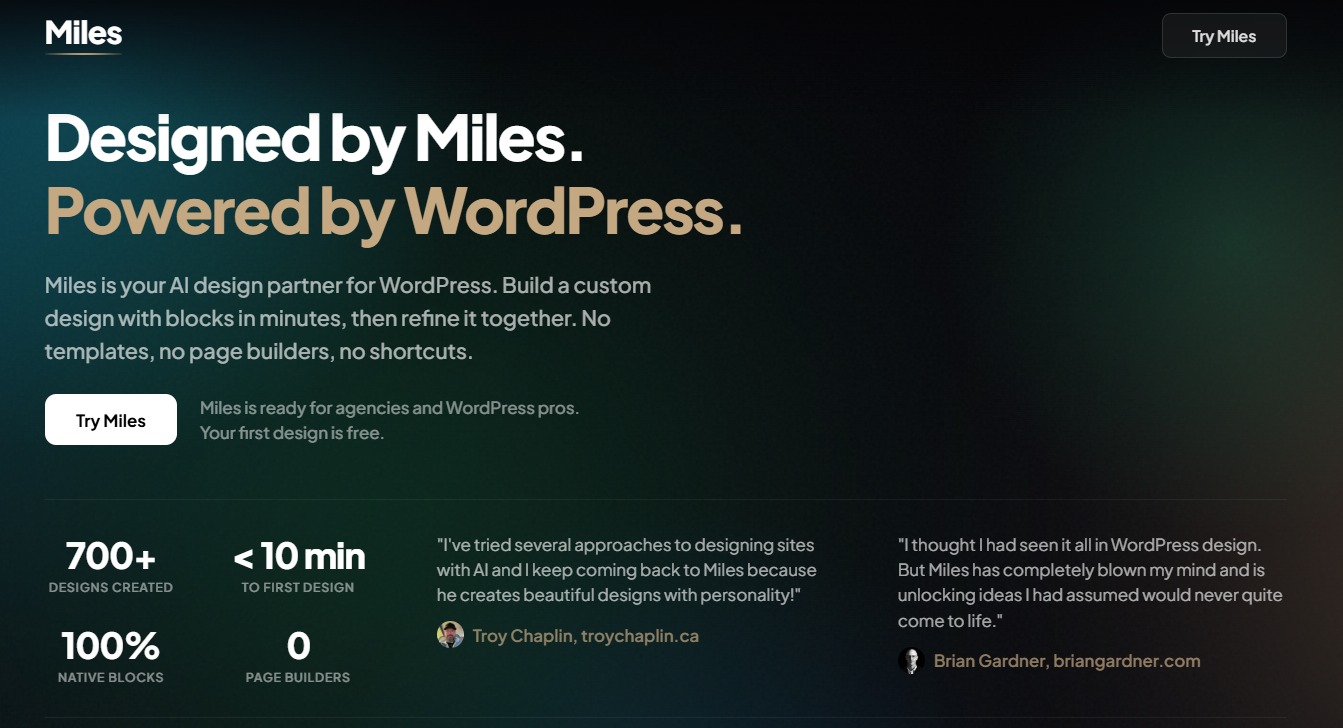
ByMiles Starting a website from a blank canvas can be slow. You need to think about layouts, sections, content structure, and how everything fits together before you even start building.
ByMiles AI helps solve that problem. Instead of manually planning every page, you provide details about your business, audience, and goals, and Miles generates website briefs, layouts, and design suggestions for you.
Unlike traditional AI website builders that try to create an entire website in one click, ByMiles AI focuses on the planning and design stage. It helps beginners get started faster while giving agencies and WordPress professionals a quicker way to create layouts and prototypes.
Key Features
- AI Website Creation – Builds complete business websites from simple prompts.
- Industry-Specific Templates – Generates layouts for different business types and industries.
- AI Content Generation – Creates website copy, service descriptions, and page content automatically.
- Custom Branding Tools – Applies brand colors, logos, and styling across the website.
- Mobile Optimization – Creates responsive layouts for desktop, tablet, and mobile devices.
Pricing
Custom pricing available
Pros & Cons
Pros: Easy setup process, simple interface, and minimal technical knowledge required. Suitable for local businesses and startups.
Cons: Fewer customization options than advanced WordPress builders. Smaller ecosystem compared to larger competitors.
Verdict
ByMiles AI is for business owners who want results quickly. The platform removes much of the work involved in website creation and helps small businesses establish an online presence without hiring developers.
5. ZipWP
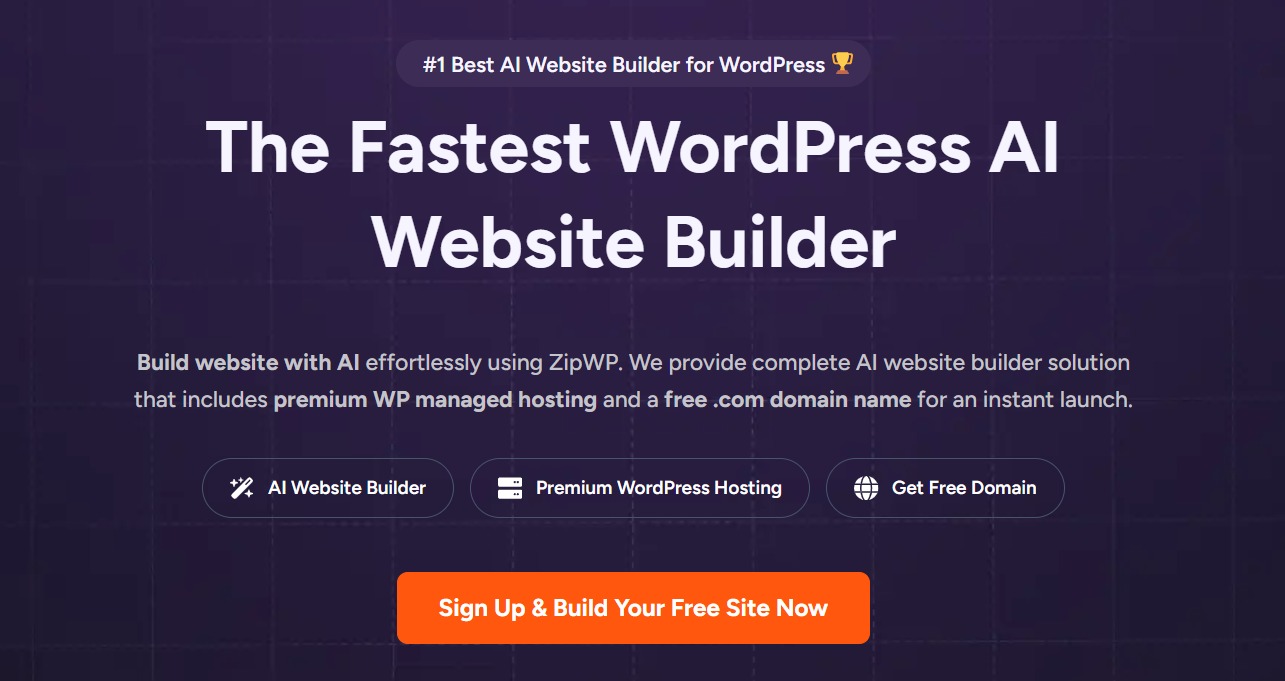
Starting with a blank WordPress installation can be frustrating. You install WordPress, choose a theme, configure plugins, and then spend hours building pages. ZipWP skips much of that process.
The platform generates a complete WordPress website in minutes using AI and a short business description. It’s useful for demos, client drafts, and quick launches. But you will still need to refine everything after generation.
Key Features
- Instant Website Generation – Creates complete WordPress websites from prompts in a few minutes.
- Starter Template Library – Provides ready-made website designs for different industries.
- AI Content Creation – Generates page content, headlines, and business information automatically.
- WordPress Integration – Exports websites directly into WordPress environments.
- Customization Options – Allows users to modify layouts, content, and design elements after generation.
Pricing
- Free Plan Available
- Pro Plan – From $79/year
Pros & Cons
Pros: Extremely fast website generation, simple onboarding process, and direct WordPress integration.
Cons: Generated websites often require additional customization. Advanced design flexibility is more limited than some competitors.
Verdict
ZipWP is built for speed. For freelancers, agencies, and businesses that want a WordPress website ready in minutes. It can remove a significant amount of setup work and help projects move much faster.
6. SeedProd
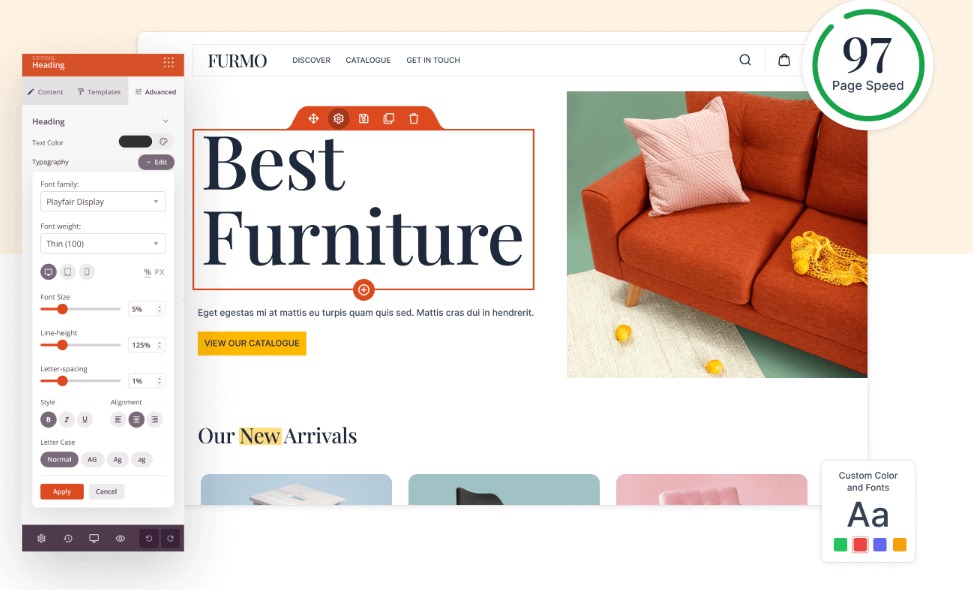
Landing pages often have one job. Generate leads, promote an offer, or drive conversions. SeedProd focuses on that goal.
While it started as a landing page builder, the platform now includes AI tools that help users create content and build websites faster. It works best for funnels, landing pages, and lead generation pages.
Key Features
- AI Website Builder – Generates website layouts and page structures based on user input.
- AI Content Generation – Creates headlines, page copy, and marketing content for website pages.
- Landing Page Templates – Provides professionally designed templates for lead generation and campaigns.
- Drag-and-Drop Builder – Allows users to customize pages without coding.
- WooCommerce Support – Helps create product pages and e-commerce layouts inside WordPress.
Pricing
Basic Plan – From $39.50/year
Pros & Cons
Pros: Easy to use, strong landing page capabilities, and works well with WordPress websites.
Cons: AI features are not as advanced as some dedicated AI website builders. More focused on marketing pages than complete website generation.
Verdict
SeedProd works best for marketers, small businesses, and website owners who create landing pages regularly. Its biggest strength is simplicity. Users can build pages quickly, generate content with AI, and launch campaigns without dealing with complicated design tools.
7. Divi AI
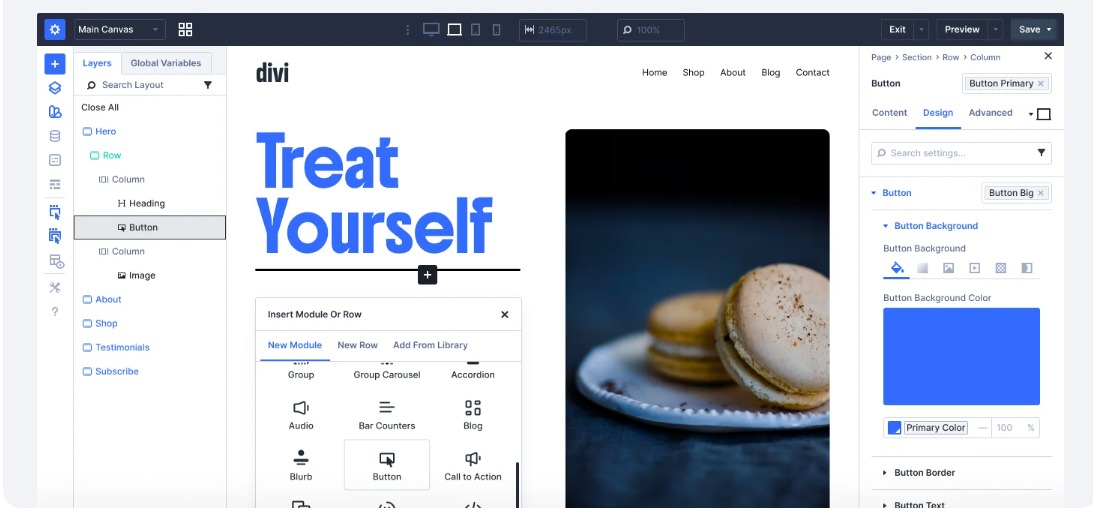
Some website builders focus on speed. Divi AI focuses on design. Divi AI sits inside the Divi theme and builder. It helps you generate layouts, text, and images directly inside the visual editor.
It is not a separate tool. You need Divi to use it. For users already working with Divi, the transition feels natural.
Key Features
- AI Content Generation – Creates website copy, headlines, blog content, and product descriptions.
- AI Image Creation – Generates custom images based on page content and prompts.
- AI Code Generation – Produces CSS, HTML, and custom code for advanced customization.
- Layout Generation – Creates page sections and design elements based on content requirements.
- Design Suggestions – Recommends layouts, colors, and styling based on the website structure.
Pricing
Divi AI – From $16.08/month (billed annually)
Pros & Cons
Pros: Strong design flexibility, useful AI tools, and seamless integration with the Divi Builder.
Cons: Best suited for Divi users. Some advanced features require familiarity with the Divi ecosystem.
Verdict
Divi AI is a strong choice for designers and agencies that already build websites with Divi. The platform combines creative control with AI assistance, making it easier to create custom websites. It reduces repetitive design and content tasks.
8. Hostinger AI Website Builder
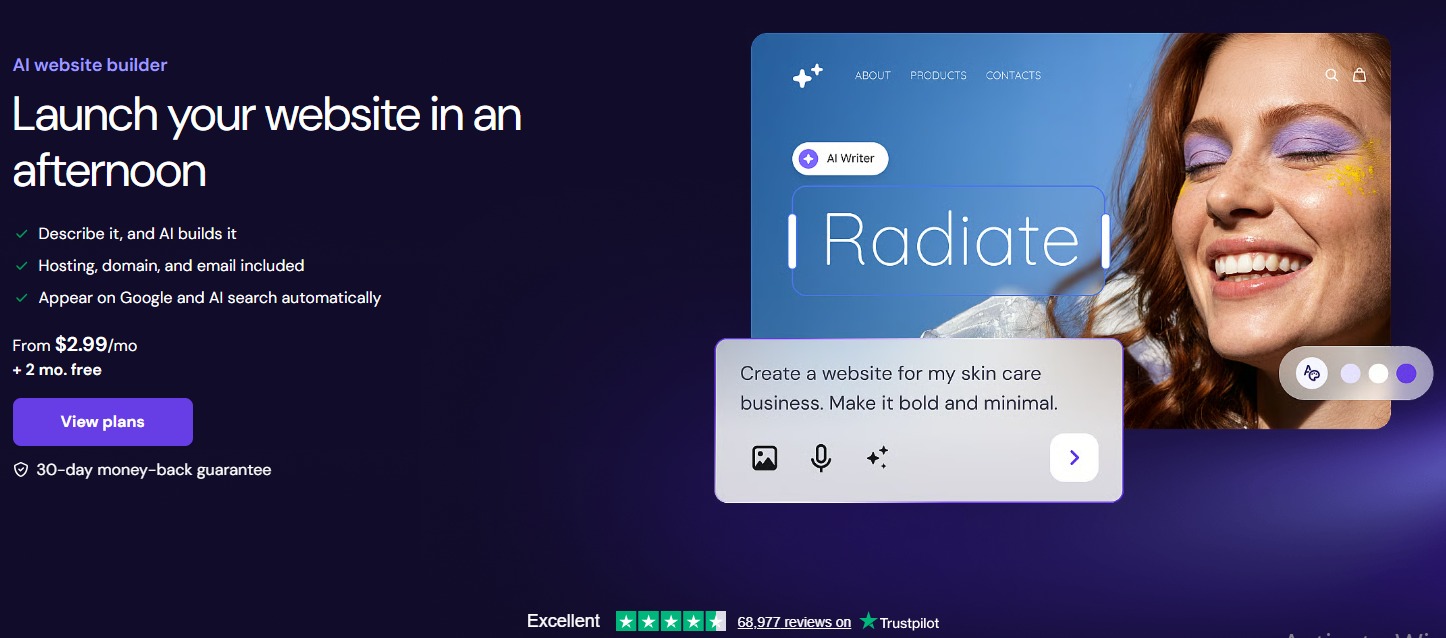
Hostinger AI Website Builder is not WordPress-first. It builds websites using Hostinger’s own system. Not everyone wants to spend time setting up WordPress, installing plugins, and configuring themes. Some users simply want a website online as quickly as possible. That’s where Hostinger AI Website Builder comes in.
The platform combines hosting, website creation, and AI tools into a single package, making it one of the easiest options for beginners.
Key Features
- AI Website Generator – Creates complete websites from a short description of your business.
- AI Content Writer – Generates website copy, service pages, and business descriptions automatically.
- AI Logo Maker – Creates logos based on your business name and industry.
- AI Heatmap Tool – Predicts where visitors are most likely to focus on a page.
- Built-In Hosting – Includes hosting, security, and website management tools in one platform.
Pricing
Premium Plan – From $2.99/month (billed annually)
Pros & Cons
Pros: Affordable pricing, simple setup process, and hosting included. Suitable for beginners and small businesses.
Cons: Less flexibility than WordPress-focused builders. Customization options can be limited for advanced users.
Verdict
If your goal is to launch a professional website without managing multiple tools and services, it offers one of the easiest starting points on the market.
9. Bluehost WonderSuite
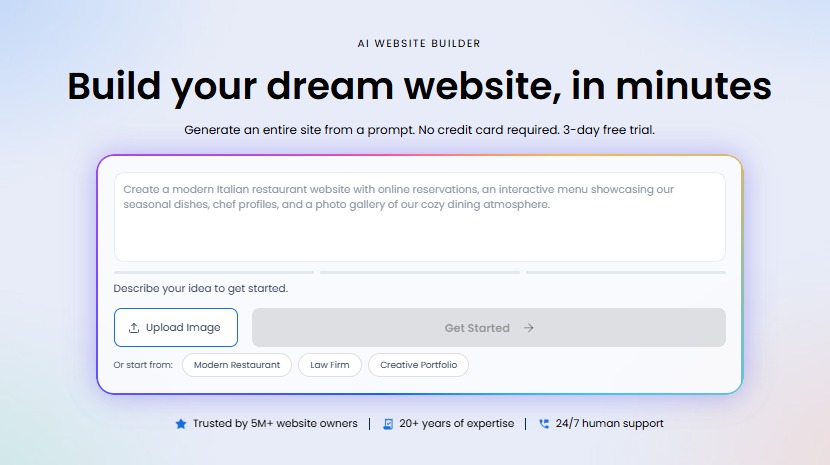
Bluehost WonderSuite is not just a builder. It’s a guided setup system for WordPress websites. It helps beginners install WordPress, choose themes, and build pages step by step.
It does not give advanced AI design control like Elementor or 10Web. Built specifically for WordPress users, it uses AI and guided setup tools to help users create websites faster.
Key Features
- AI Website Setup – Guides users through website creation based on business goals and requirements.
- WonderTheme Integration – Generates website designs that can be customized inside WordPress.
- Content Recommendations – Suggests page layouts and content sections during setup.
- WordPress Dashboard Tools – Simplifies website management for new users.
- Built-In Hosting – Combines website creation and hosting within a single platform.
Pricing
Basic Hosting Plan – From $1.99/month (promotional pricing)
Pros & Cons
Pros: Beginner-friendly setup, direct WordPress integration, and affordable entry pricing.
Cons: More focused on new WordPress users than advanced website creators. AI capabilities are less extensive than some competitors.
Verdict
Bluehost WonderSuite works best for users launching their first WordPress website. The platform removes much of the complexity from the setup process and provides a smoother path from idea to published website.
10. GoDaddy Airo
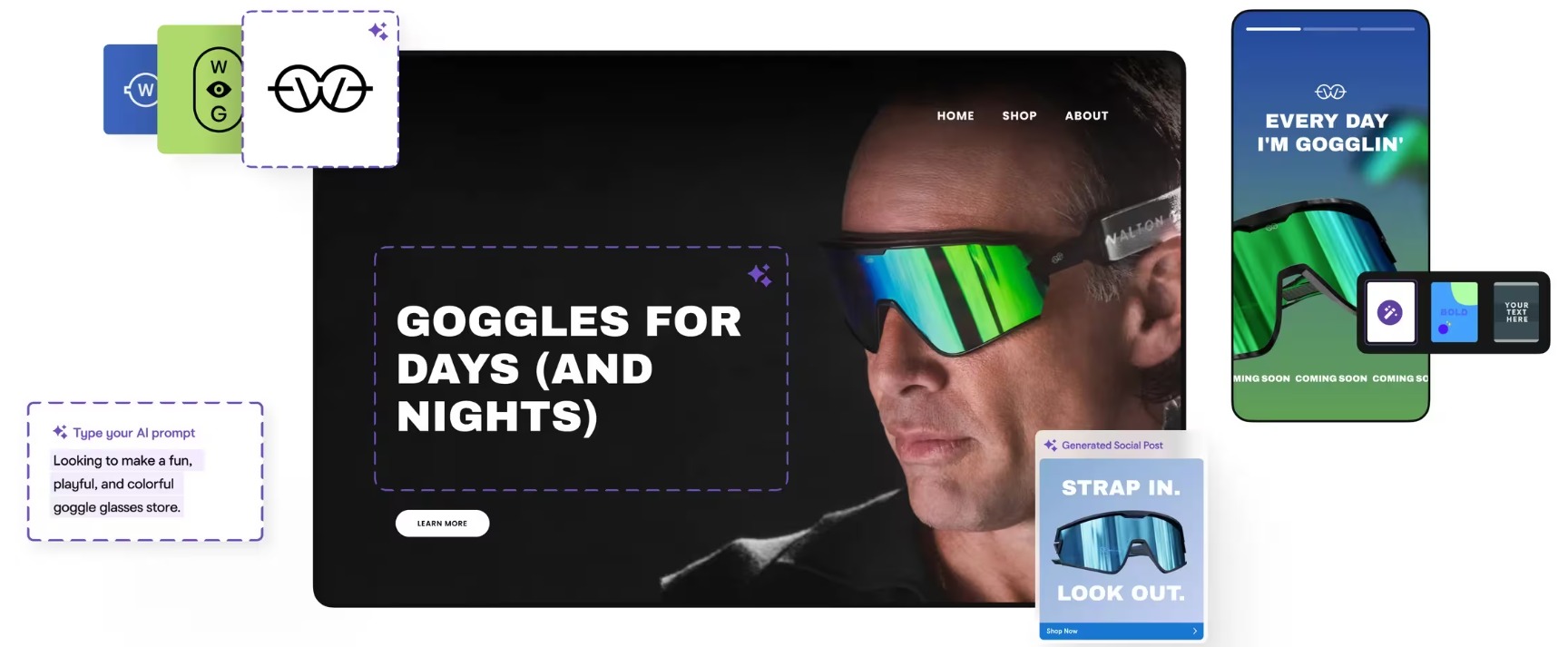
Many small businesses don’t need a complex website. They need a website that looks professional, explains what they do, and gets online quickly. GoDaddy Airo is built for that purpose.
It does not offer deep customization or advanced WordPress workflows. The platform uses AI to help users create websites, branding assets, and content without requiring technical skills or design experience.
Key Features
- AI Website Creation – Generates complete websites based on business information and industry type.
- AI Logo Generator – Creates logos and brand assets from simple prompts.
- AI Content Generation – Produces website copy and marketing content automatically.
- Marketing Tools Integration – Connects websites with email marketing and social media tools.
- Built-In Hosting – Includes website hosting, security, and management features in one platform.
Pricing
Included with select GoDaddy hosting and website plans
Pros & Cons
Pros: Quick setup process, simple interface, and useful branding tools for small businesses.
Cons: Limited customization compared to WordPress-focused builders. Better suited for simple websites than advanced projects.
Verdict
GoDaddy Airo is for business owners who want to get online quickly without dealing with technical setup. Users can create a website, generate branding assets, and launch their online presence from a single platform with minimal effort.
AI Website Builders vs Traditional WordPress Builders
AI website builders have changed how websites are created. Tasks that once took days can now be completed in a few hours. That doesn’t mean traditional website builders are disappearing.
Many businesses still prefer manual control, especially for complex websites and highly customized projects. The right choice depends on your goals, budget, and how involved you want to be in the website creation process.
| Feature | AI Website Builders | Traditional WordPress Builders |
| Setup Time | Minutes to hours | Days to weeks |
| Content Creation | AI-generated | Manual |
| Design Suggestions | Built-in AI recommendations | Manual design process |
| Learning Curve | Lower | Higher |
| Website Launch Speed | Faster | Slower |
| Customization | Moderate to High | High |
| Technical Skills Required | Minimal | Moderate |
| Scalability | Depends on the platform | Very High |
For businesses that want to launch quickly, AI website builders can remove much of the complexity involved in website creation. Traditional WordPress builders remain a strong option for users who need complete control over every aspect of their website.
The Future of AI Website Builders for WordPress
AI website creation is still evolving. Most builders can already generate layouts, create content, and suggest designs. The next generation of tools is expected to go much further.
Future AI website builders will likely provide:
- More personalized website experiences
- Better AI-generated content
- Smarter design recommendations
- Automated SEO improvements
- More advanced e-commerce capabilities
- Voice-based website creation
As AI technology improves, website creation will continue becoming faster and more accessible for businesses of all sizes.
Final Thoughts
AI website builders are changing the way websites are built. Tasks like creating layouts, writing content, generating images, and setting up pages can now be completed much faster than before. This helps businesses launch websites sooner and allows developers to spend more time on customization and problem-solving.
However, AI is still a tool. A successful website depends on good planning, strong branding, user experience, and the right setup. That’s why many businesses use AI to speed up the process while still working with WordPress professionals when needed.
At TeknoFlair, we use modern WordPress tools and AI-assisted workflows to reduce build time while maintaining quality and flexibility. Whether you’re creating a business website, an online store, or a membership platform, the right combination of AI and human expertise can help you get better results.
