













Choosing a subscription website platform can feel confusing when several tools promise similar features. The right choice depends on what you sell, how members pay and what they need to access. A paid course, private community and product subscription may each need a different setup.
This guide compares subscription platforms and membership website software, including their features, costs and setup needs. Use it to find an option that fits your business today and supports what you want to add later.
What Is a Subscription Model?
A subscription model lets customers pay regularly for continued access to a product or service. Payments may run monthly, quarterly or yearly. Examples include subscription boxes, online software, course libraries and private communities.
Recurring payments can help you plan income. However, renewals depend on members finding value in what you offer, and cancellations or failed payments can affect revenue.
Subscription Platforms at a Glance
Use this membership site software comparison to shortlist tools for your website. Some manage paid content, some focus on courses or communities, and others handle subscription billing.
| Platform | Best for | Setup | Payments and member access |
| WooCommerce Subscriptions | Product subscriptions | WordPress + WooCommerce | Recurring billing. Add a membership tool to protect content. |
| MemberPress | Paid content and membership tiers | WordPress | Recurring payments and protected content. Features vary by plan. |
| Mighty Networks | Communities, courses and events | Hosted platform | Paid community access. Features and fees vary by plan. |
| WishList Member | Paid content and courses | WordPress | Membership levels and payment integrations. Check course features by plan. |
| LearnDash | Course subscriptions | WordPress | Recurring course payments. Extra membership tools are optional. |
| ARMember | Flexible membership plans | WordPress | Payments and content protection. Some features need paid add-ons. |
| SureMembers | Protected content | WordPress + checkout tool | Controls access. Connect SureCart or another supported tool for payments. |
| Paid Memberships Pro | Flexible membership access | WordPress; hosting available | Recurring payments and protected content. Paid plans add features and support. |
| Kadence Memberships / Restrict Content Pro | WordPress memberships | WordPress | Recurring billing and protected content. Check current plans and licensing.\ |
Why Choosing the Right Platform Is Critical
Your platform affects how people join, pay and use your website. It also determines how much work you need to do to manage subscriptions. Check which tasks it handles automatically and which need another tool.
Subscription billing and content protection serve different purposes. Make sure your setup connects payments with the right access rules. Otherwise, you may spend time fixing member access or paying for tools you did not budget for.
Factors to Consider When Choosing the Best Subscription Platform
Compare subscription website software against your everyday tasks, budget and future plans.
Usability and User Experience
Try a demo or trial to see how easily you can add content, create plans and manage members. You should be able to handle these tasks without searching through confusing settings.
Test the member experience on a phone too. Can people sign up, pay and find their content easily? Check whether they can update payment details, view invoices and manage subscriptions.
Total Cost and Maintenance
Compare the full running cost, including renewal prices. A low starting price may not include every feature you need.
Include these costs in your budget:
- Platform or plugin fees.
- Hosting and a domain where needed.
- Payment processing and platform transaction fees.
- Paid add-ons and connections with other tools.
- Setup, updates, backups and ongoing support.
For WordPress, decide who will maintain the website. For a hosted platform, check what the provider includes.
Scalability
Check limits on members, storage and features, along with upgrade costs. For WordPress, your hosting also needs to handle more traffic and member activity.
Find out what you can export if you move later. Content, member details and payment records may have different export options. Moving active subscriptions may need a separate process.
Integration with Third-Party Tools
Check whether it integrates seamlessly with third-party tools your business uses. These might include email software, payment gateways and customer records. Some connections need paid add-ons or custom work.
Find out what each connection does. For example, can it update your email list when a member joins or cancels? A connection that only adds new contacts may not cover your full workflow.
Automated Subscription Management System
Automated subscription management can handle sign-ups, renewals and access changes. Check what happens when a member changes plans, cancels or misses a payment. Your billing and membership tools should keep those changes in sync.
When comparing subscription management software, check renewal reminders, failed-payment retries and payment updates. Find out how members restore access after paying an overdue invoice. These tools can reduce manual follow-ups, though they cannot recover every missed payment.
Membership Payment Processing
Check the options for Efficient membership payment processing before choosing. Confirm that the gateway supports your business location, customers and recurring payments through the platform.
A payment method available at checkout may not support automatic renewals. Also check how members update their payment details and whether cancellation ends access immediately or after the paid period.
Top Features to Look For in a Subscription Platform
Next, compare how membership platforms deliver content, protect accounts and report results.
Membership Site Features
Content restriction lets you control what each membership tier can access. A basic plan might include articles, while a higher plan adds courses or community access. Give each tier clear benefits.
When comparing platforms, check these features:
- Flexible subscription tiers: Can members upgrade or downgrade without creating another account? Check when access changes and how charges adjust for the remaining paid period.
- Payment options: Can each tier offer monthly and yearly payments?
- Course tools: Look for lessons, quizzes and progress tracking.
- Community tools: Check for discussions, member profiles and moderation.
- Content protection: Check access rules for pages, videos and downloads separately.
- Scheduled access: If you want to release lessons over time, check whether you can schedule access.
Confirm which features are included and which need another tool.
Security and Data Protection
Find out who handles updates, backups and website recovery. Check account permissions and how the setup processes payments. You still need to protect administrator accounts and limit access to member data.
A plugin alone cannot guarantee website security or compliance. Review the responsibilities of your host, platform and payment provider. Check how to contact support when payment or login problems arise.
Analytics for Member Insights
Look for reports on sign-ups, active members, renewals, cancellations and failed payments. These help you track income and spot problems.
For courses or paid content, also check what members use and where they stop participating. Billing reports and content activity may come from different tools. Confirm which reports your plan includes.
Best Subscription Site Platforms
The best subscription platform for your business depends on what members buy. When comparing paid membership platforms, review each option’s main purpose, required tools and ongoing costs.
1. WooCommerce Subscriptions
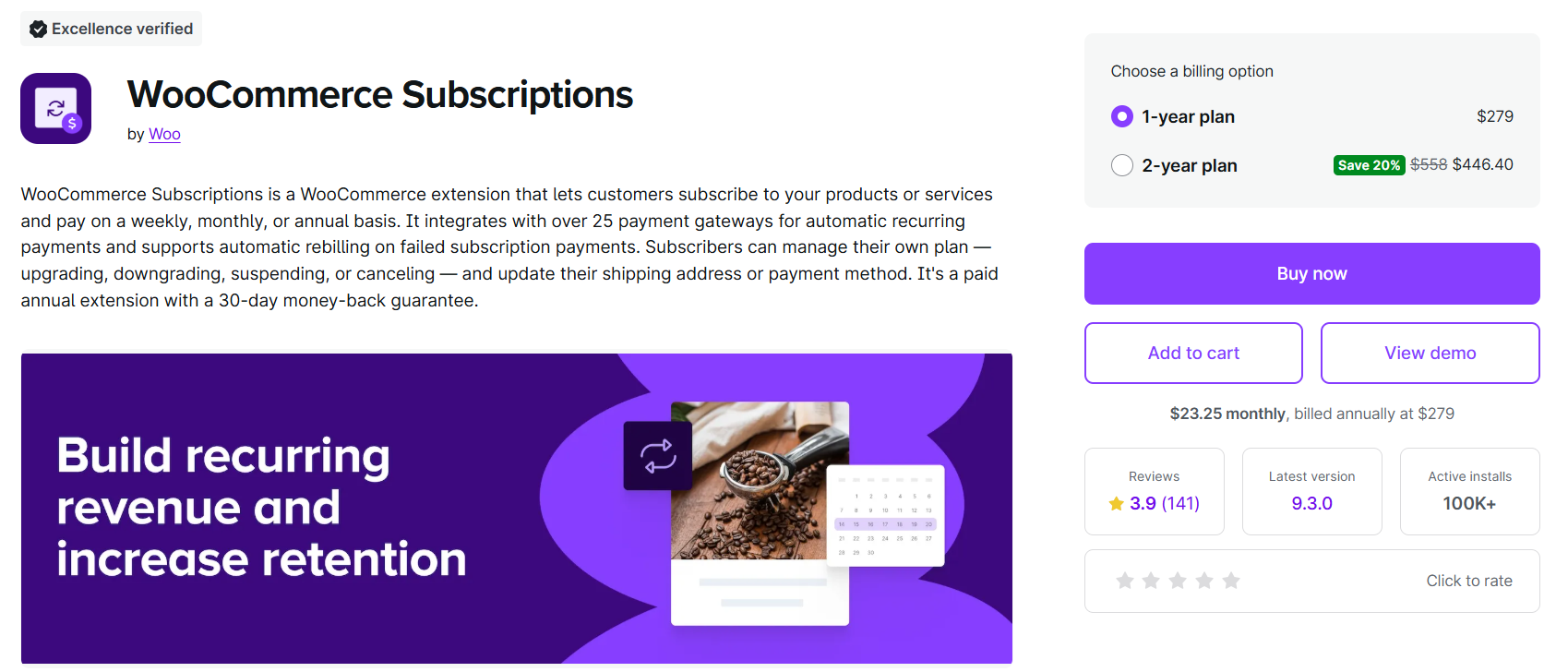
Best for: Product subscriptions and businesses already using WooCommerce.
WooCommerce Subscriptions handles recurring billing for subscription products. It suits businesses selling regular deliveries or recurring services through a WooCommerce store.
What to check: Billing does not replace membership access control. If subscribers need protected content or member benefits, consider WooCommerce Memberships or another compatible access tool. Budget for the extensions, hosting and maintenance.
2. MemberPress
Best for: Paid content, membership tiers and course access on WordPress.
MemberPress combines membership rules with recurring payment options. It can help you sell access to protected content and courses, depending on your plan.
What to check: Compare included features, payment gateways and transaction fees. The current Launch plan lists transaction fees, so include them in your cost estimate. Check ongoing prices rather than relying only on an introductory offer.
3. Mighty Networks
Best for: Communities that combine discussions, courses and events.
Mighty Networks is a hosted platform for member interaction and paid community access. It may suit you if community participation is central to your offer and you want the provider to manage the platform infrastructure.
What to check: Plans differ in integrations, automations, storage and transaction fees. Custom branded apps have separate packaging. Check whether the design options and export features meet your needs before committing.
4. WishList Member
Best for: Protected content and membership levels on WordPress.
WishList Member controls access through membership levels and connects with payment and email tools. Its current offering also includes CourseCure course features.
What to check: Confirm which course features, integrations and support options your package includes. Budget for WordPress hosting and maintenance. Choose based on the connections you need rather than a general claim about ease of use.
5. LearnDash

Best for: Websites where online courses are the main paid offer.
LearnDash provides course tools such as lessons, quizzes and progress tracking. Its recurring enrollment mode lets you sell course access through recurring payments without always adding a membership plugin.
What to check: Add a membership tool when you need wider access rules, such as combining courses with protected articles or other benefits. Confirm payment support and budget for any extra tools.
Read more: How to Find the Best Membership Plugin for LearnDash
6. ARMember
Best for: WordPress memberships needing configurable plans and access rules.
ARMember offers membership management, registration forms and content restriction. Its paid-plan comparison lists scheduled content and a pro-rata add-on for adjusting charges when plans change.
What to check: Confirm the exact edition, gateway and add-ons needed for your setup. Do not assume the free edition includes every feature listed for paid packages. More settings also mean more setup decisions.
7. SureMembers
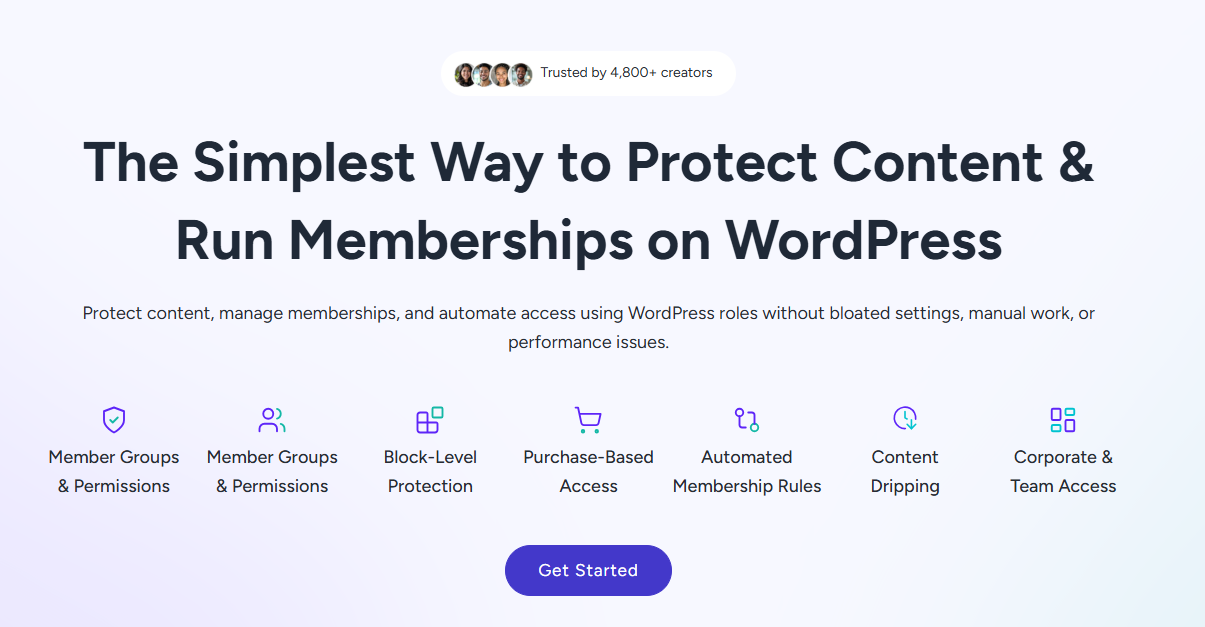
Best for: Protecting WordPress content while using a separate checkout tool.
SureMembers manages access to protected content. Connect it with a tool such as SureCart to sell that access through one-time payments or subscriptions.
What to check: Compare the full billing-and-access setup, including fees and reporting. Its documented SureCart integration removes access when a purchase is revoked or a subscription expires. Test your cancellation and access rules before launch.
8. Paid Memberships Pro
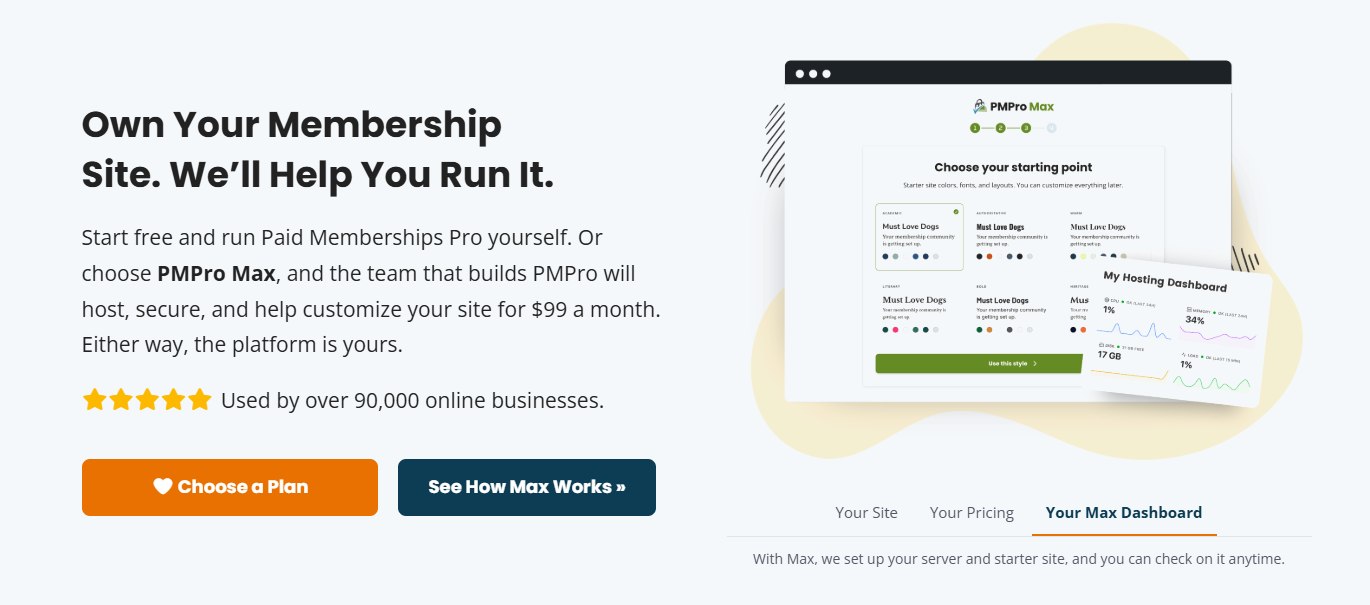
Best for: WordPress membership websites needing flexible plans and access rules.
Paid Memberships Pro supports recurring payments, content restriction and membership reporting. Its free offering includes the complete core plugin, free add-ons and payment gateways.
What to check: Paid plans add premium add-ons, support and, on hosted plans, hosting services. Review the Paid Memberships Pro plans against what you can manage yourself. Custom requirements may still need setup or development work.
9. Kadence Memberships / Restrict Content Pro
Best for: WordPress content access and membership levels.
The Restrict Content Pro website now redirects to a Kadence bundle page, while the WordPress listing uses the name Kadence Memberships. The current vendor page lists recurring billing, content restriction and scheduled content access.
What to check: Review current packaging and support rather than relying on older Restrict Content Pro comparisons. If you already use the older product, confirm how your licence and installed version relate to the current offering before making changes.
Which Platform Fits Your Business?
Start with what members pay for:
- Paid articles or downloads: If you need a subscription solution for a blog or paid resource library, compare MemberPress, WishList Member and Paid Memberships Pro. Consider SureMembers with a checkout tool too.
- Online courses: Start with LearnDash, then compare the course features in other membership tools.
- An active community: For an online community subscription platform, compare Mighty Networks with the community tools you would need for WordPress. Check paid group access, discussions, moderation and plan changes.
- Regular product deliveries: Start with WooCommerce Subscriptions if you use WooCommerce.
Narrow your list to two or three options. Then test signup, payment, content access and cancellation before choosing.
WordPress Plugins vs Hosted Subscription Platforms
WordPress membership site platforms give you more control over your website’s design and tool choices. A membership plugin adds billing or access features to WordPress; it is not a standalone subscription website builder. You can choose hosting and add features through plugins or custom work. However, you must arrange maintenance and check that the tools work together.
Hosted platforms manage the platform infrastructure for you. They can reduce setup work, but features, customization and integrations depend on the service and plan. Check export options and costs before committing.
Neither approach suits every business. Choose WordPress if control matters and you have maintenance support. Consider a hosted platform if its included features meet your needs and you prefer the provider to manage the infrastructure.
Why Choose TeknoFlair for Your Subscription Website?
At TeknoFlair, we help businesses choose and connect the tools needed for a subscription website. That includes planning member access, recurring payments and the features your audience will use.
Our membership website development services can cover:
- Setting up membership tiers and protected content.
- Connecting payment and email tools.
- Testing renewals, cancellations and access changes.
Discuss your paid content, course or community plans with our team. We can help you choose a WordPress setup and identify what it needs before development starts.
Conclusion
Choose your subscription website platform around what you sell, the access members need and the full running cost. Compare a short list and test the complete member experience before committing.
If you need help selecting tools or connecting payments with content access, discuss your subscription website with TeknoFlair.
Resources
- Subscriptions are here to stay – LexMark
- Analyzing A User Behavior
- Everything About Content Restriction
- WooCommerce Subscription
- MemberPress Plugin
- Mighty Networks
- Wishlist Member Plugin
- LearnDash Membership
- ARMember
- SureMembers Plugin
- Paid Membership Pro Plugin
- Restrict Content Pro Plugin
FAQs
1. What Are the Best Subscription Site Platforms?
The best option depends on what you sell. Compare WooCommerce Subscriptions for recurring products, LearnDash for courses and Mighty Networks for communities. For paid content, compare membership tools based on access rules, payments and total cost.
2. Which Membership Platform Should a Small Business Choose?
Start with the features you need and your full budget. Compare licence fees, hosting, payment fees and add-ons. A free core plugin can reduce software costs, but you still need to account for setup and maintenance.
3. What Is the Difference Between Subscription Billing and Membership Access?
Subscription billing collects recurring payments. Membership access controls what customers can use or view. Some subscription membership systems combine both, while others need connected tools to keep payments and access in sync.
4. Does LearnDash Need a Membership Plugin for Recurring Payments?
Not always. LearnDash supports recurring course enrollment itself. Add a membership plugin if you need access rules beyond the course setup, such as a plan that combines courses with protected articles or other benefits.
5. Should I Choose WordPress or a Hosted Membership Platform?
Choose WordPress if you need more control over design, hosting and tool choices, and can arrange maintenance. A hosted platform may suit you if its included features meet your needs and you want the provider to manage the infrastructure.
6. What Happens to Member Access After Cancellation or a Failed Payment?
It depends on your settings and integrations. Access may continue until the paid period ends, or change after failed-payment retries. Test these events so your website follows the rules you promise members.
7. Which Platforms Support Tiered Memberships?
MemberPress, WishList Member and Paid Memberships Pro offer membership levels. Choose based on the access rules and plan changes you need. Check upgrade charges, downgrade timing and gateway support before setting up your tiers.
8. How Can I Manage Subscription Plans for an Online Community?
Define what each plan includes, such as discussion groups, courses or live sessions. Choose a platform that connects recurring payments with the correct community access. Test what happens when members switch plans, cancel or miss a payment.
9. What Should a Blogger Look for in a Subscription Content Platform?
Check whether you can protect articles, videos or downloads while keeping public content available. Compare member signup, recurring payments and email connections. Choose a setup you can maintain as your paid content library grows.