
















Your WooCommerce dashboard says sales increased by 15% this month.
Sounds good. But what actually caused the increase? Did one product suddenly take off, returning customers spend more? Or your Google Ads bring better buyers? And most importantly, did your profit increase along with your revenue?
This is usually the stage where store owners start looking for deeper reporting options.
WooCommerce already gives you solid sales data. But as your store grows, you often need answers that go beyond total sales and order counts. You may want to track profit, customer lifetime value, marketing performance, product margins, or even data from several stores in one place.
Still, choosing the right one takes some thought. Not every reporting tool solves the same problem. One store may need better WooCommerce sales reports. Another needs detailed profit tracking. A B2B company may need custom reports built around customers, SKUs, or sales teams.
So instead of giving you a long list of tools, we compared seven WooCommerce reporting plugins based on what they actually help you understand.
WooCommerce Reporting Plugins: Quick Comparison
Here’s the short version before we get into the details.
| Plugin | Best For | Profit Tracking | Customer Insights | Marketing Data | Free/Trial |
| WooCommerce Analytics | Basic store reporting | Limited | Basic | Limited | Free |
| Metorik | Advanced store analytics | Yes | Advanced | Yes | 30-day trial |
| MonsterInsights | GA4 and marketing attribution | Limited | Marketing-focused | Advanced | Free version |
| Putler | Multiple stores and channels | Yes | Yes | Some | 14-day trial |
| REPORTiT | Detailed WooCommerce reports | Yes | Yes | Limited | Free version |
| BeProfit | Profit and expense analysis | Advanced | Yes | Advanced | 14-day trial |
| Ninjalytics | Sales reports and exports | Basic | Basic | No | Free core plugin |
There is no single “best” tool for every store. Start with the question you want your data to answer.
Do You Really Need a WooCommerce Reporting Plugin?
Before installing anything, check what WooCommerce already gives you.
WooCommerce Analytics includes reports for revenue, orders, products, categories, customers, coupons, taxes, stock, variations, and more. You can apply filters, change date ranges, compare periods, customize dashboard sections, and export report data as CSV files.
For many smaller stores, that is enough.
For example, WooCommerce can quickly tell you:
Net sales: $50,000
Orders: 420
Average order value: $119
Returns: $2,300
But suppose you want to know:
Revenue: $50,000
Product costs: $21,000
Shipping: $4,200
Ad spend: $8,000
Payment fees: $1,500
Actual profit:?
Now you are asking a different question. This is usually where dedicated WooCommerce reporting plugins start earning their place. They help connect your raw numbers to the decisions you need to make.
Best WooCommerce Reporting Plugins for Different Store Needs
A good reporting plugin should save you time, not give you more numbers to sort through. The tools below stand out for how clearly they turn store data into useful information
1. WooCommerce Analytics: Best Free Built-In Option
When adding additional plugins, you should first review what you already have with WooCommerce. WooCommerce Analytics is included with WooCommerce and provides a lot of the essential data that any store owner would need. Track sales, orders, products, customers, stock, coupons, and taxes on one’s dashboard. For a smaller store, this might be sufficient to know what’s selling and how the business is doing without paying for another reporting tool.
Key Features:
- Report on Revenue & Order: Gross sales, net sales, refunds, taxes, shipping and order activity for periods of time.
- Product Reports: View the products, product categories and product variations that are selling and compare their performance.
- Customer Reports: When you’re looking at the activity of your customers, see how new ones and old ones help you out in your store.
- Advanced Filters: Filter Reports by Products, Categories, Customers, Order Status, and more helpful filters.
- CSV Exports: Export report data for further analysis or to share with your accountant or team.
- Selectable Dashboard: Decide which performance indicators, charts and leaderboards will be displayed on your analytics dashboard.
Pricing:
Free and included with WooCommerce.
Best for:
Small and growing stores that need reliable basic WooCommerce sales reports without paying for another reporting platform.
2. Metorik: Best for Advanced WooCommerce Analytics

Metorik is built for store owners who need more than basic sales numbers. It takes your WooCommerce data and turns it into detailed reports about customers, products, orders, subscriptions, costs, and profit. You can also create specific customer segments and see how different groups behave over time. This makes it useful as your store grows and questions like “Who are our most valuable customers?” become harder to answer from the standard WooCommerce dashboard.
Key Features:
- Customer Segmentation: Group customers by spending, order history, products purchased, location, and other conditions.
- Profit Reporting: Track product costs, shipping, transaction fees, advertising spend, and profit.
- 75+ Reports: Explore detailed reports covering customers, orders, products, subscriptions, and store performance.
- Cohort Analysis: See how groups of customers behave and purchase over time.
- Automated Reports: Schedule exports and send important store data to your team automatically.
Pricing:
Starts at $25/month, with pricing based on order volume.
Best for:
Growing WooCommerce stores that need deeper customer, product, and profit insights. This gives readers enough context to understand the plugin first, while the bullets make its actual features easy to compare. I’d keep this same balance for all seven plugins.
3. MonsterInsights: Best for Marketing and GA4 Reporting

MonsterInsights is useful when you want to understand more than what was sold. It connects WordPress and WooCommerce with Google Analytics 4, helping you see how shoppers arrive at your store and what they do before buying. So, if you are investing in SEO, paid ads, social media, or content, it can help connect those marketing efforts with actual ecommerce results instead of leaving you to jump between different analytics screens.
Key Features
- Ecommerce Tracking: Track conversion rate, transactions, revenue, average order value, and other important ecommerce metrics.
- Top Product Reports: Quickly see which products generate the most sales and revenue.
- Traffic Source Tracking: Understand which referral sources and marketing channels are bringing customers to your store.
- Customer Journey Reports: See the pages shoppers visited before completing an order, giving you more context around the path to purchase.
- GA4 Reporting: Bring useful Google Analytics data into your WordPress dashboard without working through GA4 reports every time.
- Advertising Tracking: The Pro plan supports tracking for marketing platforms such as Google, Meta, Microsoft, TikTok, Pinterest, LinkedIn, and Snapchat.
Pricing:
MonsterInsights has three paid plans, so you can choose one based on your store size and reporting needs.
- Plus: $99.50/year
- Pro: $199.50/year
- Elite: $299.50/year
Best for:
Ecommerce stores that want to connect WooCommerce analytics with traffic, campaigns, GA4, and marketing attribution.
4. Putler: Best for Multiple Stores and Sales Channels
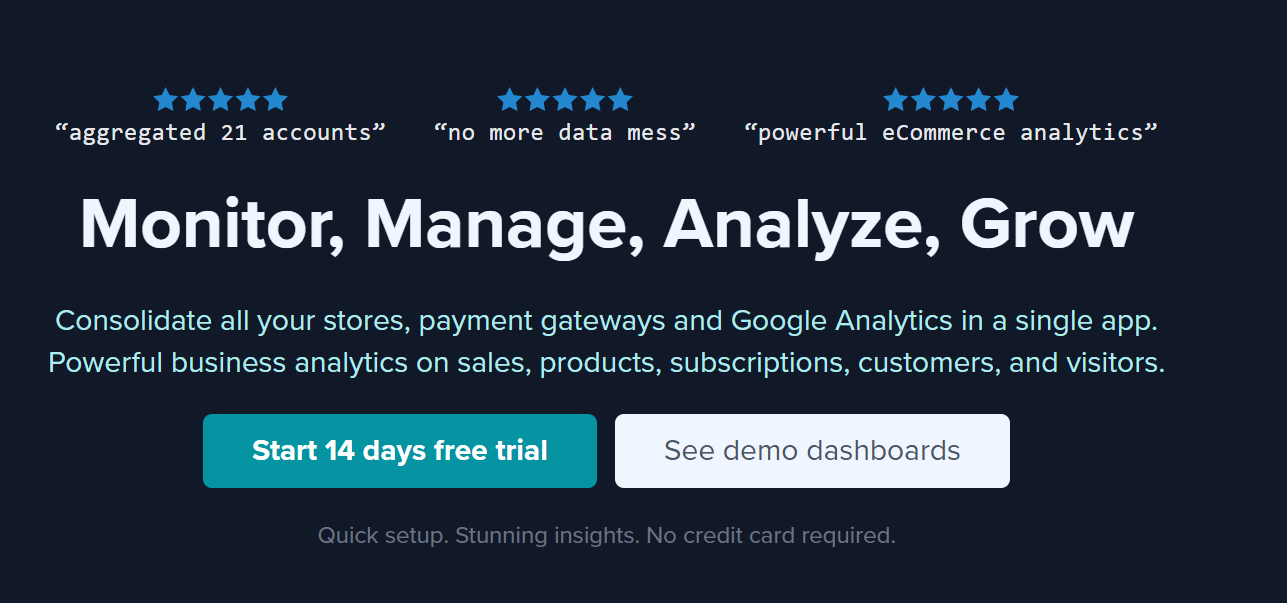
When your business isn’t running through one WooCommerce dashboard anymore, Putler makes more sense. You may have multiple online stores, PayPal payments or Stripe transactions, or other sales methods, generating their own reports. Putler consolidates that data into a single view of the business. Rather than running multiple platforms to see your total sales, customers and product performance, you have one location to analyze your combined data.
Key Features
- Multi-Store Reporting: Integrate data from multiple ecommerce stores and view their performance in a single dashboard.
- Add Sales Data: Filter Sales Data from WooCommerce & supported payment platforms, rather than each one individually.
- Customer Analytics: Analyse customers’ behaviour, repeat purchases, spending patterns, and customer value.
- Product Reports: Benchmark performance of the various products from your connected data.
- Revenue Forecasting: Apply historical performance data to gain more insight into future revenue trends.
- Data Cleanup: Putler can help clean, structure and join incoming data, even processing data duplication and currency conversion.
Pricing:
Putler uses tiered pricing based on business requirements and revenue. Check the current plan here before publishing or purchasing.
Best for:
Businesses running multiple WooCommerce stores, payment sources, or sales channels that want their reporting in one place.
5. REPORTiT: Best for Detailed WooCommerce Reports
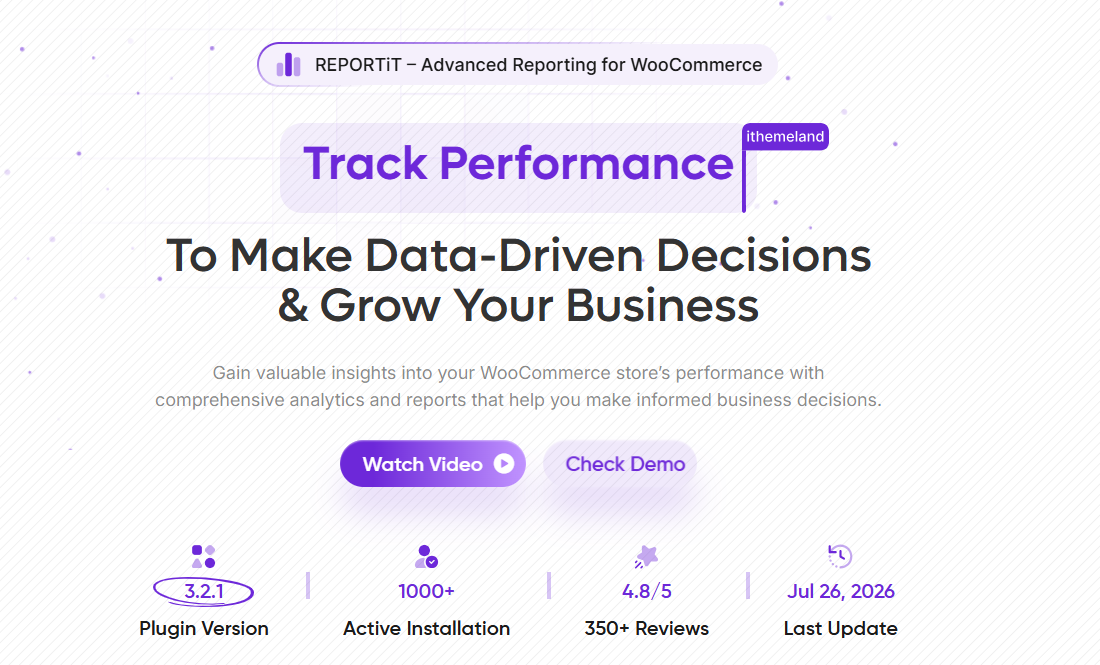
If the reports supplied by WooCommerce are too basic but you still want to deal with reporting near your WordPress dashboard, REPORTiT is a great choice. It enables you to slice and dice sales, products, customers, and orders in multiple ways without needing to transfer data to a separate analytical platform. This can be valuable to an operations team that often must generate certain reports instead of broad dashboards of general store metrics.
Key Features:
- Detailed Sales Reports: Go deeper into orders, sales, products, customers and more WooCommerce data.
- Advanced Filters: Narrow reports with different filters to focus on what matters, and only what matters.
- Product and Customer Analysis: Not just total store revenue, compare top products, categories and customers.
- Create and schedule Reports: Create and schedule reports that otherwise have to be created by hand on a daily (or weekly/monthly) basis.
- Auto Send Store Reports: Automatically send selected store reports to other team members or managers via email.
- Email Reporting: Automatically send selected store reports to managers or other team members.
- HPOS Support: REPORTiT supports WooCommerce High-Performance Order Storage for newer WooCommerce setups.
Pricing:
REPORTiT offers annual plans based on the number of websites you want to use it on.
- 1 Site: $99/year
- 2 Sites: $159/year
Both plans include one year of support and updates, free plugin setup and configuration, and a 7-day money-back guarantee.
Best for:
Store owners and operations teams that need more flexible WooCommerce custom reports without moving to a separate analytics platform.
6. BeProfit: Best WooCommerce Profit Reporting Plugin
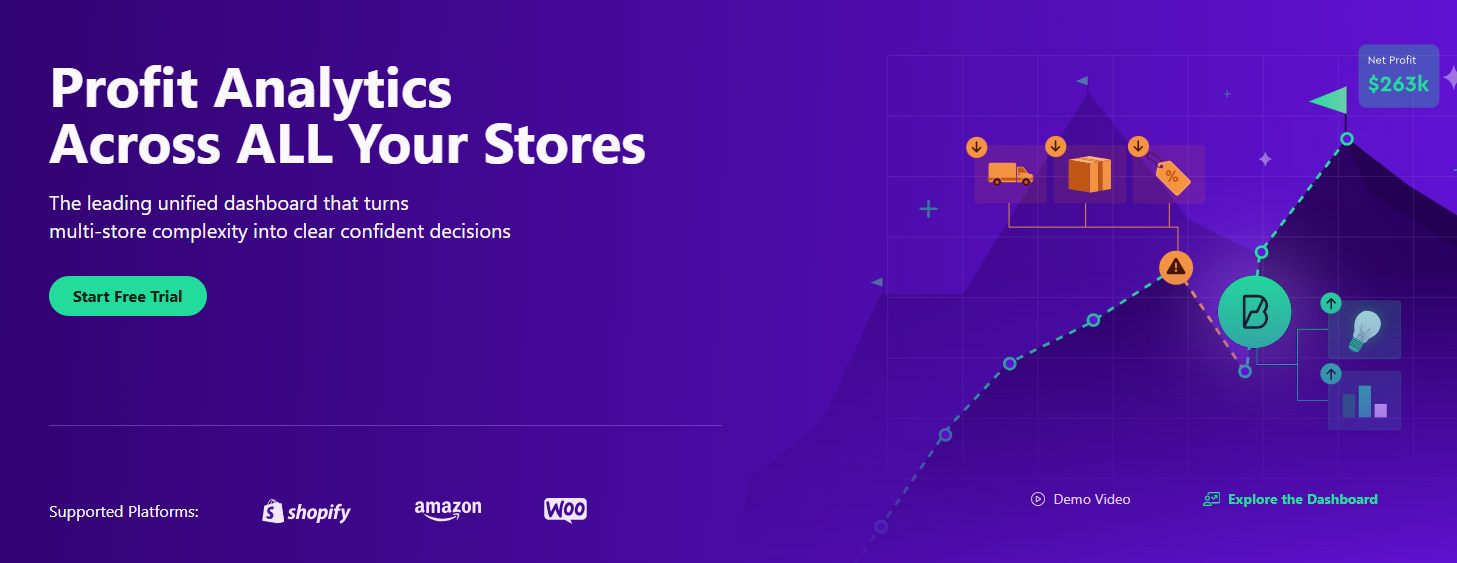
BeProfit focuses on a number many store owners care about more than revenue: what is actually left after the costs are paid. A product can generate impressive sales and still leave you with a weak margin once advertising, shipping, product costs, transaction fees, and discounts are included. BeProfit pulls these costs into the reporting process so you can see which products, orders, and marketing activities are contributing to real profit.
Key Features:
- Profit Tracking: Compare revenue with expenses to see gross and net profit instead of judging performance from sales alone.
- COGS Tracking: Include the cost of goods sold when measuring how much you actually make from each product.
- Expense Tracking: Account for costs such as shipping, payment fees, advertising, taxes, discounts, and other expenses.
- Product Profitability: Find products that generate strong margins and spot products that sell well but contribute less profit.
- Marketing Performance: Connect advertising costs with sales results to get a clearer picture of campaign profitability.
- Customer and LTV Analysis: Review customer value and buying behavior alongside your profitability data.
Pricing:
BeProfit offers different plans based on the reporting features and business requirements, with a free trial available on supported plans. Pricing can change, so verify the current plan before publishing.
Best for:
Stores that need a dedicated WooCommerce profit reporting plugin to understand margins, expenses, and actual profitability.
7. Ninjalytics: Best for Sales Reports and Exports
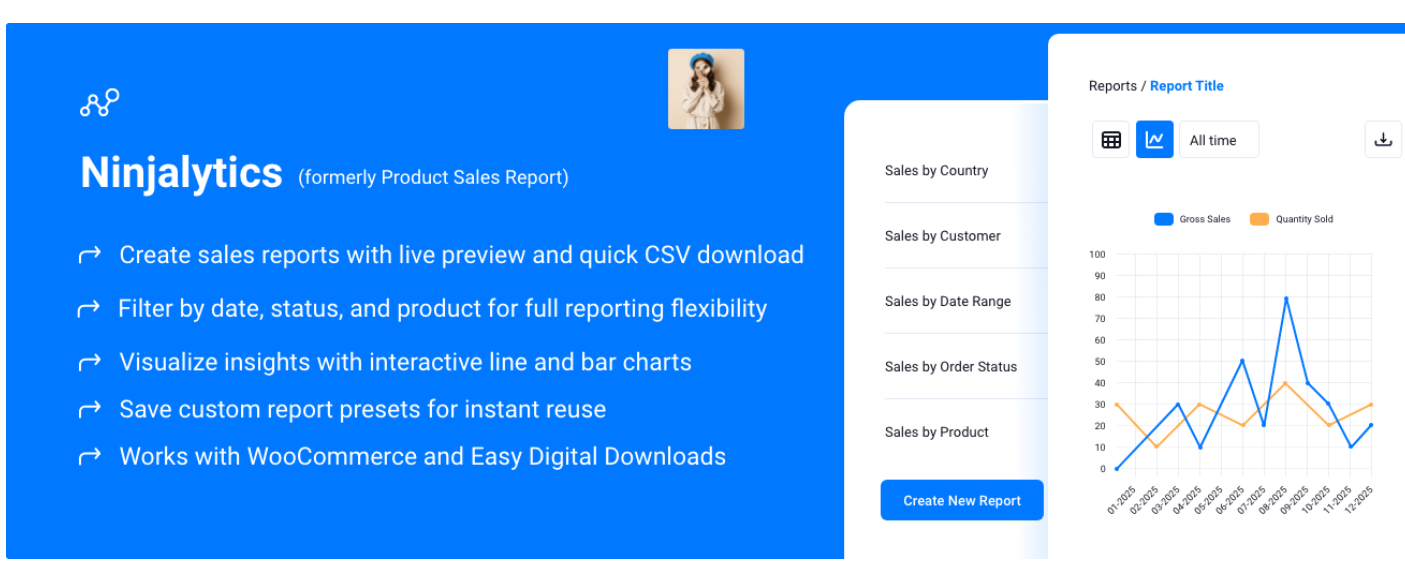
Ninjalytics keeps things simpler. It’s built for retail stores that would like more sales reports and order reports without having to invest in a full analytics platform. You can create reports, choose what information you need, view a preview, and export that information to account, fulfill, inventory, or internal reports. This is useful if the primary issue isn’t analyzing customer or marketing data but is rather getting clean WooCommerce data into a meaningful report.
Key Features:
- Pre-Built Report Templates: Start with more than 15 ready-made templates instead of building every report from scratch.
- Custom Report Builder: Choose which fields and data points you want to include in your report.
- Date and Order Filters: Filter sales information by date ranges, order status, and other useful conditions.
- Live Report Preview: Check your report before downloading it so you can catch missing or unnecessary information.
- Order Item Exports: Export individual order-line information for accounting, fulfillment, or inventory workflows.
- WooCommerce and EDD Support: The current plugin supports WooCommerce and also includes Easy Digital Downloads support in beta.
Pricing:
The core Ninjalytics plugin is free, with premium functionality and add-ons available separately.
Best for:
Stores that want a straightforward free WooCommerce reporting plugin for sales reports, exports, accounting, or fulfillment.
Which WooCommerce Reporting Plugin Should You Choose?
If you are still comparing WooCommerce reporting plugins, do not pick one because it has the longest feature list.
Pick it based on the question you keep asking.
| Your Main Need | Tool to Consider |
| Basic WooCommerce reports | WooCommerce Analytics |
| Advanced customer and product analysis | Metorik |
| GA4 and marketing attribution | MonsterInsights |
| Multiple stores or payment sources | Putler |
| Detailed WooCommerce reports | REPORTiT |
| Profit and cost analysis | BeProfit |
| Sales reports and exports | Ninjalytics |
For example, installing MonsterInsights because you need better profit reporting does not make much sense. Likewise, installing BeProfit because you only want basic weekly sales exports may be more than you need.
Match the tool to the job.
WooCommerce Reports Every Growing Store Should Watch
A dashboard full of numbers can still tell you very little. Focus on numbers that influence a decision.
Revenue
Revenue tells you how much you sold. Useful, but it is only the starting point.
Gross and Net Profit
These numbers help show what remains after product and operating costs.
Average Order Value
WooCommerce calculates average order value by dividing net sales by the number of orders. If your AOV rises from $70 to $92 after introducing product bundles, that gives you something you can act on.
Repeat Purchase Rate
Are customers coming back? If not, you may have an acquisition-heavy business that keeps paying to replace customers instead of retaining them.
Customer Lifetime Value
CLV becomes especially useful for stores with subscriptions, repeat purchases, or B2B customers. A customer who spends $90 today but $1,200 across two years may deserve very different treatment from a one-time buyer.
Product Profitability
Do not automatically promote the product with the highest revenue. Compare sales with margin, advertising cost, discounts, returns, and shipping expenses.
That gives you a much clearer picture of what is actually helping the business.
When WooCommerce Reporting Plugins Are Not Enough
There comes a point where the problem is not the reporting plugin. It is the way your business works.
Imagine a B2B supplier using:
WooCommerce → ERP → CRM → Wholesale Pricing → Multiple Warehouses
The management team may want a report showing:
Revenue by customer → region → salesperson → product category → warehouse
An off-the-shelf plugin may only have access to part of that data. WooCommerce does allow developers to extend its analytics reports, change report queries, and add additional report data and columns.
This is where custom WooCommerce development can make more sense than stacking another reporting plugin on top of the store.
TeknoFlair can help connect WooCommerce with ERP, CRM, inventory, and other business systems, then build reporting around the workflow your team actually uses.
Because sometimes the report you need is not sitting inside a plugin. It has to be built around your data.
Final Thoughts
The best WooCommerce reporting plugins do not simply give you more charts. They help you answer better questions.
A smaller store may already have everything it needs inside WooCommerce Analytics. A growing ecommerce business may get more value from Metorik or BeProfit. A marketing-focused team may lean toward MonsterInsights, while a multi-store business may need something like Putler.
So start with the decision you are trying to make. Then choose the reporting tool that gives you the data to make it. That approach is far more useful than paying for a dashboard full of numbers nobody uses.
FAQs
What is the best reporting plugin for WooCommerce?
There is no single best option for every store. Metorik suits advanced store analytics, MonsterInsights works well for marketing and GA4 data, BeProfit focuses on profitability, while WooCommerce Analytics covers many basic reporting needs for free.
Does WooCommerce have built-in reporting?
Yes. WooCommerce Analytics includes reports for revenue, orders, customers, products, categories, variations, coupons, taxes, stock, and other store data.
Is there a free WooCommerce reporting plugin?
Yes. WooCommerce Analytics is included with WooCommerce. Tools such as Ninjalytics and REPORTiT also provide free core versions for additional reporting needs.
How do I create custom reports in WooCommerce?
You can start with filters and CSV exports inside WooCommerce Analytics. For more advanced requirements, use a reporting plugin or extend WooCommerce Analytics with custom development. WooCommerce provides developer tools for modifying report queries and adding new report information.
How can I track profit in WooCommerce?
You need to compare sales with costs such as COGS, shipping, advertising, payment fees, refunds, and other expenses. Tools such as BeProfit and Metorik are designed to bring those costs into ecommerce reporting.
