












The fastest way to waste money on AI is to install a plugin before deciding what problem you want it to solve.
That happens a lot with WordPress right now. One plugin promises AI writing, another promises automation, another focuses on SEO, and another says it can build pages for you.
At first, they all sound useful. Then you end up with overlapping features, extra subscriptions, more plugins to manage, and no clear idea which one is actually helping your website.
That is why choosing the best AI WordPress plugins should start with the problem, not the feature list. So instead of listing 20 similar tools, we picked seven plugins for seven different WordPress jobs, so you can quickly see which one fits your site.
What Can AI WordPress Plugins Actually Do in 2026?
You do not need AI everywhere. Use it where it saves time, removes repetitive work, or improves a part of your workflow.
For example, a content website may want help with keyword research and metadata. A WooCommerce store may care more about product content, customer support, and automation. A membership site may need AI-powered workflows or support tools.
Today, the best AI WordPress plugins generally fall into five areas:
- Content: Write, rewrite, summarize, or translate content.
- SEO: Research keywords, improve metadata, generate alt text, and fix SEO issues.
- Design: Generate layouts, copy, images, and page sections.
- Automation: Connect WordPress actions with AI-powered workflows.
- Support: Answer customer questions and reduce repetitive support work.
Think of AI as an extra team member. You should give it a clear job instead of asking it to do everything.
Quick Comparison of the Best AI WordPress Plugins
Here’s a quick look at how these AI WordPress plugins compare and what each one is best suited for.
| Plugin | Best For | Free Option | Main Use |
| AI Engine | Flexible AI integration | Yes | Chatbots, content, MCP, AI tools |
| Rank Math Content AI | SEO and content optimization | Yes, limited | SEO research, writing, metadata |
| Elementor AI | Page building and design | Limited access | Layouts, copy, images, code |
| Uncanny Automator | AI workflow automation | Yes | Connecting WordPress actions with AI |
| Tidio + Lyro | AI customer support | Yes | Chat, support, automated answers |
| WPVibe | Connecting AI assistants with WordPress | Yes | MCP, content updates, WooCommerce, site management |
| Novamira | AI-assisted WordPress development | Yes | Code, files, database access, debugging |
Now let’s look at each one properly.
Top 7 Best AI WordPress Plugins in 2026
1. AI Engine: Best for Flexible AI Integration
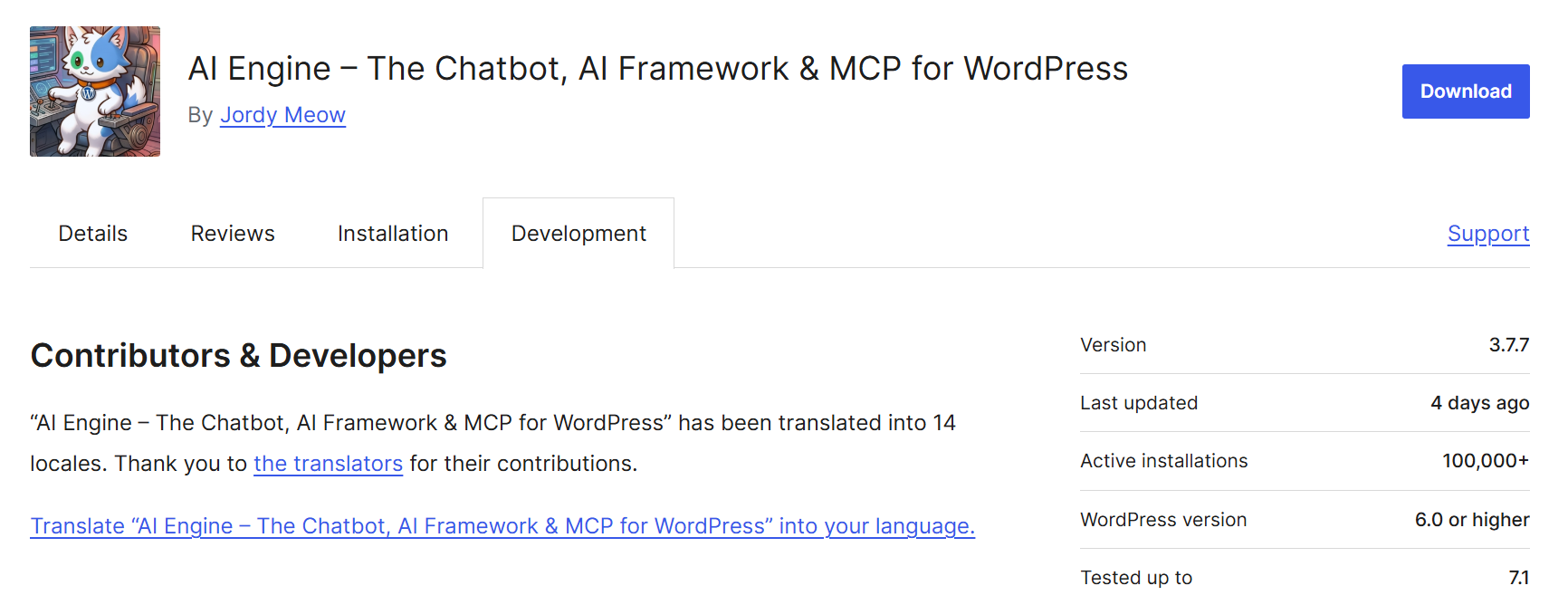
AI Engine is one of the most flexible AI plugins for WordPress because it is not limited to one job.
You can use it for chatbots, content generation, image generation, AI forms, editor assistance, APIs, and WordPress MCP connections. It supports major AI providers such as OpenAI, Anthropic, Google, and Mistral. Its WordPress.org listing currently shows more than 100,000 active installations.
It is a strong option if you want one AI setup instead of several separate plugins.
Key Features
- Multiple AI providers: Connect WordPress with OpenAI, Anthropic, Google, Mistral, and other supported providers.
- AI chatbots: Build customizable chatbots and place them around your website.
- Content tools: Generate, rewrite, translate, and improve content inside WordPress.
- Image generation: Create or interpret images using supported AI models.
- WordPress MCP server: Let compatible AI agents interact with supported WordPress functions.
- AI forms and embeddings: The Pro version adds AI forms, content-aware chatbots, function calling, and advanced MCP features.
Real Use Case
Suppose you run a membership website. You could use AI Engine to create a support chatbot trained around your website content, help your team rewrite course descriptions, and connect supported WordPress tasks through MCP. Instead of using three unrelated plugins, you can build more of the AI setup from one place.
Pricing
AI Engine has a free version on WordPress.org. Pro plans unlock more advanced tools and usage controls, with yearly and lifetime licences available.
You may still pay separately for API usage from providers such as OpenAI or Anthropic, depending on your setup.
Pros
- Covers several AI use cases in one plugin.
- Supports multiple AI providers.
- Strong option for more technical WordPress setups.
- Free version already includes useful features.
Cons
- The number of settings can feel like a lot if you only need one simple AI feature.
- API costs may be separate from the plugin itself.
Best for:
Agencies, developers, and website owners who want more control over how AI connects with WordPress.
2. Rank Math Content AI: Best AI WordPress Plugin for SEO
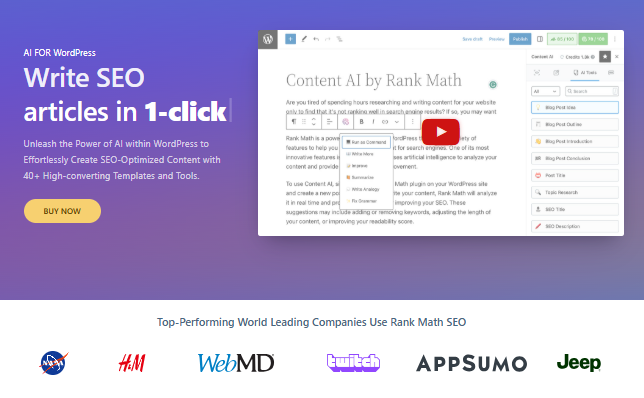
If your main goal is SEO, Rank Math Content AI makes more sense than installing a general AI writer. It works inside the Rank Math ecosystem and focuses on tasks such as keyword research, SEO fixes, metadata, internal linking, image alt text, and content creation.
Rank Math says Content AI now includes 40+ AI tools, along with features such as RankBot, AI-generated alt text, long-form content creation, SEO fixes, and AI-assisted internal linking.
Because these tools work inside WordPress, you do not need to keep jumping between an AI chatbot, keyword tool, and your editor.
Key Features
- Keyword research: Research keywords directly from Content AI.
- SEO writing assistance: Create or improve content without leaving WordPress.
- SEO metadata: Generate titles, meta descriptions, and Open Graph content.
- Image alt text: Generate SEO-friendly image alt text.
- SEO fixes: Use AI to address certain failed Rank Math SEO checks.
- Internal linking: Get AI-assisted link suggestions and opportunities.
Real Use Case
Imagine you are writing an article around: Best Running Shoes for Beginners
You could research related terms, create an outline, improve the article, generate metadata, create image alt text, and find internal-link opportunities from the same WordPress workflow. That is more useful than simply asking AI to “write an SEO blog.”
Pricing
Rank Math offers limited Content AI access for free users. Its current paid Content AI plans include:
- Starter: €5.99/month, billed annually
- Creator: €10.99/month, billed annually
- Expert: €16.99/month, billed annually
Usage limits vary by feature and reset monthly. Rank Math also moved away from its older word-credit system toward feature-based monthly limits.
Pros
- AI and SEO tools sit in the same workflow.
- Useful for bloggers and content teams.
- Covers more than basic AI writing.
- Includes internal-link and metadata tools.
Cons
- It makes most sense if you already use Rank Math.
- Higher-volume content teams may need a larger plan.
Best for:
Bloggers, publishers, SEO teams, and businesses producing content regularly.
3. Elementor AI: Best for Designing WordPress Pages With AI
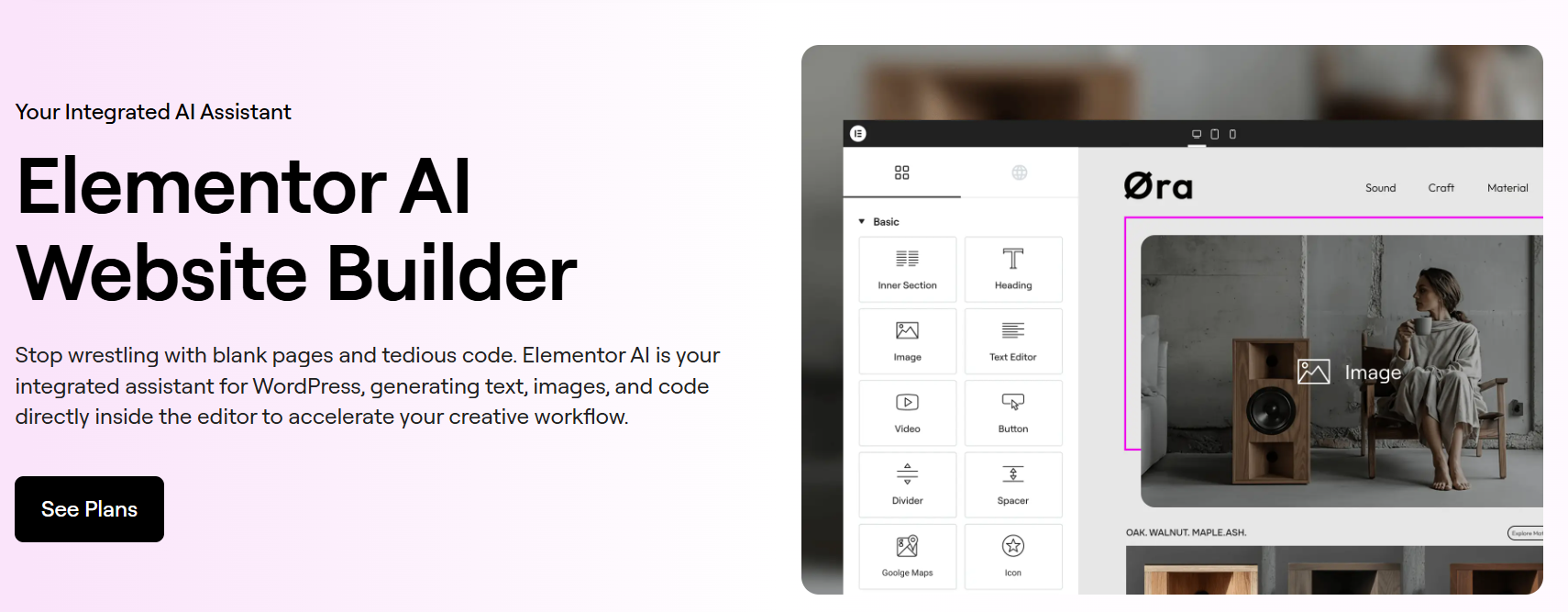
Elementor AI takes a different approach. Instead of focusing mainly on SEO or chatbots, it brings AI directly into the page-building workflow.
You can use it to generate text, layouts, images, and code from inside Elementor. Elementor says its AI builder can generate multi-page sites with structure, copy, images, and layouts, which you can then edit using the normal drag-and-drop editor.
That makes it one of the best AI WordPress plugins for people who spend most of their time designing and updating pages.
Key Features
- AI layouts: Generate page or container layouts from prompts.
- AI copy: Create and rewrite headlines, descriptions, and CTAs.
- Image generation: Generate images without leaving the builder.
- Code generation: Get help creating CSS and other supported code.
- Editor integration: Access AI features directly inside Elementor.
Real Use Case
Let’s say you are rebuilding a service page. Instead of manually creating every section, you could ask Elementor AI for a hero layout, generate a headline, create service copy, add an image, and then refine everything visually.
That does not mean you should publish the first output. Think of it like working with a junior designer. It can create the first version quickly, but you still need to check spacing, hierarchy, branding, mobile layouts, and conversion flow.
Pricing
Elementor AI is included across several Elementor plans. Current annual pricing starts at:
- Essential: $5/month
- Advanced Solo: $7/month
- Advanced: $9/month
- One: $15/month
All plans are billed annually. The right option depends on whether you need AI for a basic site, ecommerce, or a more complete WordPress toolkit.
Pros
- AI works directly inside the page builder.
- Useful for both content and design tasks.
- Cuts down repeated switching between tools.
- Good for quick landing-page and layout drafts.
Cons
- Best suited to websites already using Elementor.
- AI-generated layouts still need manual design review.
Best for:
Designers, marketers, agencies, and businesses already building pages with Elementor.
4. Uncanny Automator: Best for AI WordPress Automation
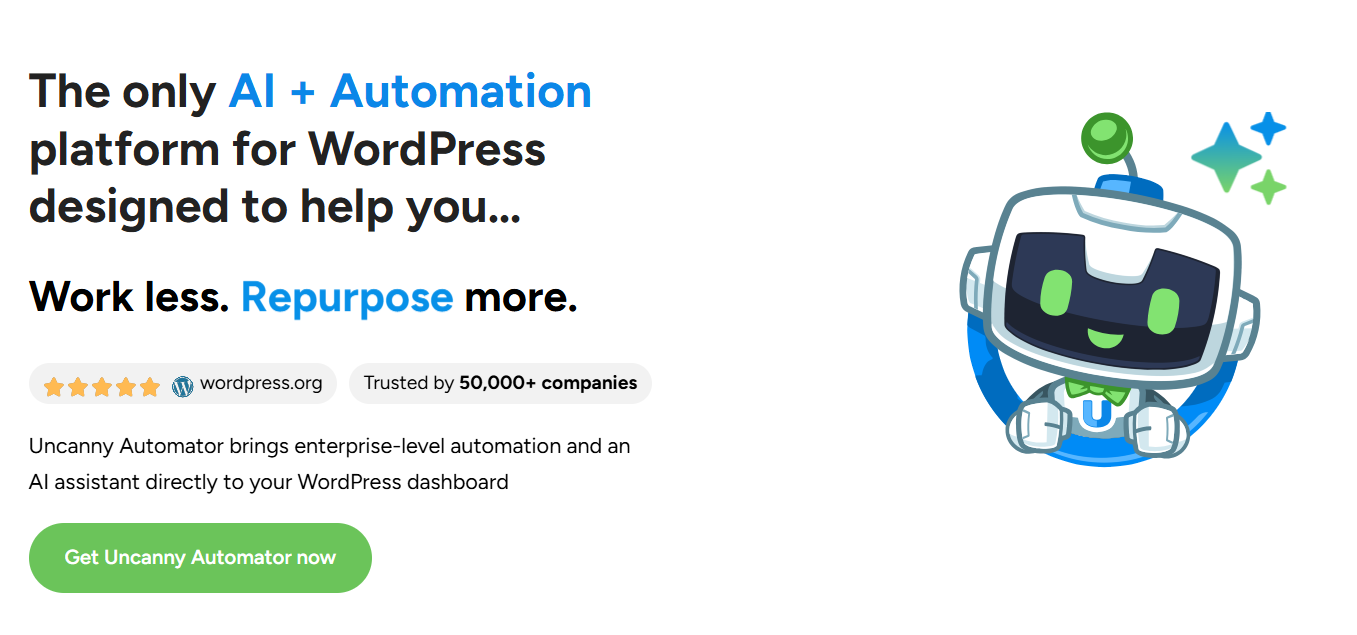
Uncanny Automator is not mainly an AI writer or AI page builder. It connects WordPress plugins and external tools so one action can trigger another. Then you can bring AI into those workflows.
For example:
Form submitted → AI summarizes response → WordPress saves result → Team gets an email
Uncanny Automator officially supports OpenAI actions such as generating text, translating content, creating SEO titles, analyzing sentiment, creating metadata, and generating images.
This makes it one of the most practical WordPress AI plugins if repetitive tasks are eating up your team’s time.
Key Features
- AI-powered workflows: Add OpenAI actions to WordPress automations.
- Plugin connections: Connect different WordPress plugins without custom code.
- Content automation: Generate excerpts, metadata, summaries, or social content.
- AI moderation: Use sentiment analysis or summarization in community workflows.
- Scheduled workflows: Run AI tasks at set times.
- Multi-step recipes: Combine AI with email, forms, LMS tools, CRM systems, and other integrations.
Real Workflow Example
Suppose you run an online course platform. Every Monday you want your teaching team to receive a summary of student activity.
You could build: Course activity → AI summary → Email sent to teaching team
Uncanny Automator itself gives a similar example for summarizing weekly course completions and emailing the report.
Pricing
There is a free version of Uncanny Automator.
Current paid AI + Automation plans start at:
- Basic: $25/month, billed annually at $300
- Plus: $40/month, billed annually at $480
- Elite: $60/month, billed annually at $720
The paid plans also include Uncanny Agent usage, with higher plans giving larger usage allowances.
Pros
- Useful for real business workflows.
- Connects AI with other WordPress plugins.
- Reduces repetitive admin work.
- Works well for ecommerce, LMS, membership, and community sites.
Cons
- You need to think through the workflow before building it.
- Some advanced features and integrations require paid plans.
Best for:
Businesses that want AI to automate tasks rather than just generate content.
5. Tidio + Lyro: Best AI Plugin for Customer Support

Tidio and its Lyro AI Agent fit can answer customer questions using your business knowledge and hand a conversation to a human when needed. They can handle recurring support tasks and currently markets it as capable of resolving up to 67% of customer problems, depending on the setup and use case.
That makes it a good fit for WooCommerce stores, SaaS businesses, and service websites with regular customer questions.
Key Features
- AI customer support: Answer common customer questions automatically.
- Knowledge-based answers: Use website or help-center information to guide responses.
- Human handoff: Move the conversation to a person when AI cannot handle it.
- Live chat: Combine AI support with normal live conversations.
- Product recommendations: Lyro can support product recommendation workflows on eligible plans.
- Analytics: Track conversations and support performance.
Real Use Case
Imagine a WooCommerce store getting the same questions all day:
Where is my order?
What is your return policy?
Which size should I order?
Do you ship internationally?
Your support team does not need to type the same basic answers twenty times. Lyro can handle suitable repetitive questions, while your staff deals with problems that actually need a person.
Pricing
Tidio has a free plan. Current pricing includes:
- Free: $0/month
- Starter: $24.17/month when billed annually
- Growth: Starts at $49.17/month
- Plus: Starts at $300/month plus usage
- Lyro AI Agent: Starts at $32.50/month for 50 Lyro conversations
Tidio also says your first 50 Lyro AI conversations are free for lifetime use before you upgrade the quota.
Pros
- Strong fit for ecommerce and customer-facing sites.
- Combines AI support and human support.
- Can reduce repetitive support work.
- Easy use case to understand and measure.
Cons
- Costs increase as conversation volume grows.
- AI still needs a clean knowledge base to give useful answers.
Best for:
WooCommerce stores, SaaS companies, and service businesses with frequent customer questions.
6. WPVibe: Best for Connecting AI Assistants With WordPress
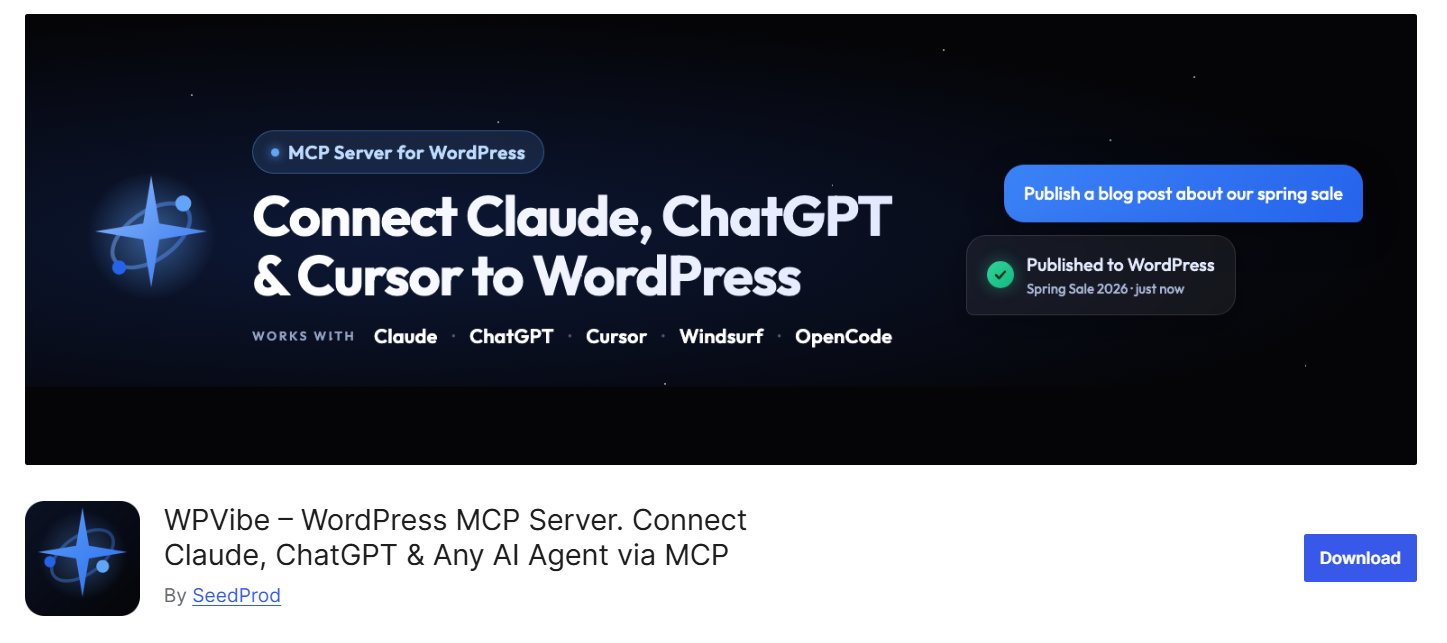
WPVibe connects WordPress with AI tools such as ChatGPT, Claude, Cursor, Windsurf, and other MCP-compatible assistants.
Instead of only generating content, the AI can work with supported WordPress tasks such as updating posts, managing media, editing products, and handling site settings. This makes WPVibe useful if you want to manage more of WordPress through natural language instead of moving through wp-admin for every task.
Key Features
- MCP connection: Connect WordPress with supported AI assistants.
- Content management: Create and update posts, pages, media, categories, and tags.
- WooCommerce support: Work with products, prices, stock, and descriptions.
- Page builder support: Works with several popular WordPress builders.
- Approval controls: Sensitive actions can require confirmation before running.
- Theme editing: Use a draft-preview-publish workflow for safer changes.
Real Use Case
If you manage a WooCommerce store with hundreds of products, you can ask your AI assistant to update descriptions, stock information, or supported product fields instead of editing each product manually.
Pricing
WPVibe offers a free plugin and free service plan, with paid plans available for higher usage limits.
Pros
- Works with multiple AI assistants.
- Goes beyond basic content generation.
- Supports WooCommerce and page builders.
- Includes safety controls.
Cons
- Usage limits may matter for heavy users.
- Requires an MCP-compatible AI tool.
Best for:
Website owners, agencies, and developers who want to manage WordPress through an AI assistant.
7. Novamira: Best for AI-Assisted WordPress Development
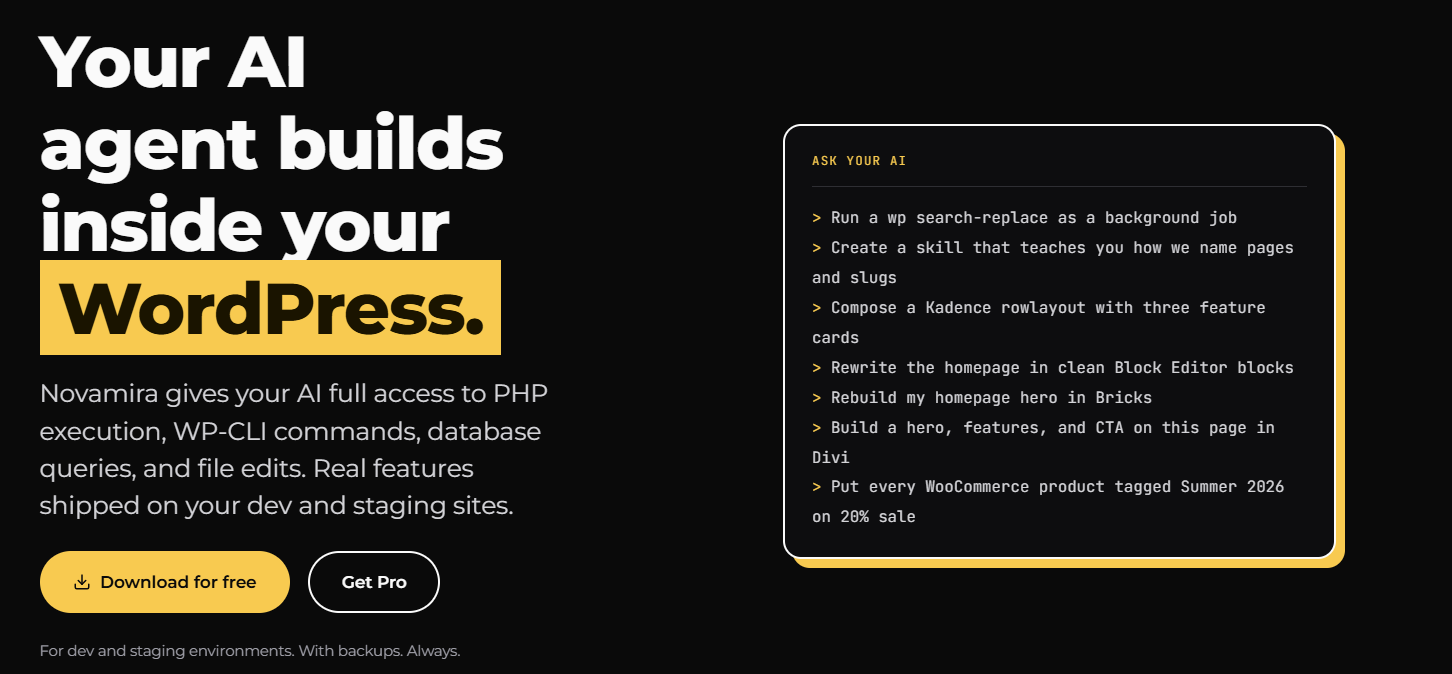
Novamira gives AI agents deeper access to WordPress through MCP, including PHP, files, and database queries.
It is designed more for development work than basic content generation. An AI agent can inspect a site, troubleshoot problems, modify code, and work with existing WordPress functionality.
Key Features
- Direct MCP connection: Connect compatible AI agents with WordPress.
- PHP access: Work with PHP during development tasks.
- Database queries: Inspect WordPress database information.
- File operations: Read and modify site files.
- Development support: Use AI for debugging and custom functionality.
- Plugin knowledge: Pro adds specialized knowledge for popular WordPress plugins and builders.
Real Use Case
If a WooCommerce checkout has a custom error, Novamira can help an AI agent inspect relevant files, database information, and site logic instead of only suggesting generic code.
Pricing
- Free: €0 forever for unlimited sites
- Personal: €49/year for 3 sites
- Agency: €149/year for up to 1,000 sites
- Agency Lifetime: €299 one-time for up to 1,000 sites, with updates and support included
Pros
- Built for deeper WordPress development.
- Can work with code, files, and database information.
- Free version available.
- Useful for debugging and custom development.
Cons
- More technical than most plugins on this list.
- Broad site access requires careful use.
Best for:
Developers and technical WordPress users who want AI agents to work directly with their WordPress environment.
Free vs Paid AI WordPress Plugins: What Are You Actually Paying For?
“Free AI plugin” can mean several different things. This is where pricing can get confusing.
Free Plugin
You install the plugin without paying for a license. But that does not always mean the AI itself is free. For example, the plugin may require your own OpenAI or Anthropic API key.
Premium Plugin
You pay for extra plugin features such as:
- Advanced automation
- More integrations
- Additional AI tools
- Higher usage
- Analytics
- Premium support
AI Credits or Usage Limits
Some tools charge based on actions, requests, conversations, or monthly feature usage. Rank Math, for example, now uses feature-based monthly limits instead of its older word-credit system.
Bring Your Own API Key
Some plugins let you connect your own AI provider account. In that setup, you may pay:
Plugin cost + AI provider Usage
This can give you more control, but it also means you need to watch API usage.
Separate AI Subscription
Other tools bundle the AI service directly into their own subscription. Tidio’s Lyro pricing, for example, is tied to AI conversation usage.
So when comparing the best AI WordPress plugins, do not only look at the plugin price. Look at the full cost of running it.
Will AI Plugins Slow Down Your WordPress Site?
They can, but not all AI plugins affect performance in the same way. A tool that generates content only inside the WordPress admin may have little effect on what visitors load.
A customer-support widget is different. It may load scripts, chat interfaces, tracking, or external connections on the front end. That means you should test instead of guessing.
Use a simple process:
Test your site → Install the plugin → Configure it → Test again
Check:
- Page load time
- Core Web Vitals
- Mobile performance
- Script size
- Database activity
- Server resource usage
Also avoid installing three AI plugins that all do the same thing. More plugins do not automatically give you a smarter site. Sometimes they just give WordPress more work to do.
Will AI Plugins Slow Down Your WordPress Site?
They can, but not all AI plugins affect performance in the same way. A tool that generates content only inside the WordPress admin may have little effect on what visitors load.
A customer-support widget is different. It may load scripts, chat interfaces, tracking, or external connections on the front end. That means you should test instead of guessing.
Use a simple process:
Test your site → Install the plugin → Configure it → Test again
Check:
- Page load time
- Core Web Vitals
- Mobile performance
- Script size
- Database activity
- Server resource usage
Also avoid installing three AI plugins that all do the same thing. More plugins do not automatically give you a smarter site. Sometimes they just give WordPress more work to do.
What AI WordPress Plugins Still Can’t Replace
The best AI WordPress plugins can save a lot of time. But they cannot solve every WordPress problem. You may still need proper custom WordPress development when your website involves:
- Custom WooCommerce logic
- Complex checkout flows
- Custom WordPress plugins
- Membership rules
- LMS workflows
- API integrations
- Custom dashboards
- Database work
- Advanced performance problems
- Business-specific functionality
For example, asking AI to rewrite a product description is simple. Asking it to build a custom pricing engine that changes prices by customer role, quantity, location, and contract terms is a completely different job.
AI can speed up parts of the work. It does not remove the need for sound development when the requirement is complex.
Final Verdict: Don’t Install AI Just Because It Says AI
AI is becoming part of everyday WordPress work, but there is still a clear gap between using AI tools and building a site around complex business needs. Once your website starts relying on custom ecommerce logic, LMS features, membership systems, third-party integrations, or unique user flows, standard plugins can only take you so far.
TeknoFlair works with businesses that have outgrown standard plugin features, using custom WordPress development to build the functionality, integrations, and workflows their websites actually need.
FAQs
What is the best AI plugin for WordPress?
There is no single best option for every website. AI Engine is strong for flexible AI integration, Rank Math Content AI works well for SEO, Elementor AI focuses on page building, Uncanny Automator handles automation, and Tidio + Lyro focuses on customer support.
What is the best free AI WordPress plugin?
AI Engine is one of the stronger free options because its free version includes chatbots, content tools, image AI, editor assistance, APIs, and a WordPress MCP server. You may still need to pay the AI provider for API usage.
Can I use ChatGPT in WordPress?
Yes. Several WordPress plugins can connect WordPress with OpenAI or other AI providers. AI Engine and Uncanny Automator are two examples, although they use the connection in different ways.
Can AI build WordPress pages?
Yes. Tools such as Elementor AI can generate layouts, copy, images, and multi-page website drafts. You should still review the output before publishing.
Are AI WordPress plugins safe?
They can be, but you should still treat AI integrations like any other plugin. Use maintained plugins, keep them updated, limit permissions where possible, protect API keys, and test important changes before using them on a live site.
Do AI plugins slow down WordPress?
Some can. Plugins that mainly run inside the admin may have less front-end impact. Chatbots and other visitor-facing AI features may load additional scripts or external services. Test your site before and after installation.
Can AI plugins help with WooCommerce?
Yes. AI plugins can help with product content, support, automation, SEO, and other WooCommerce tasks. More complex ecommerce functionality may still require custom development.
